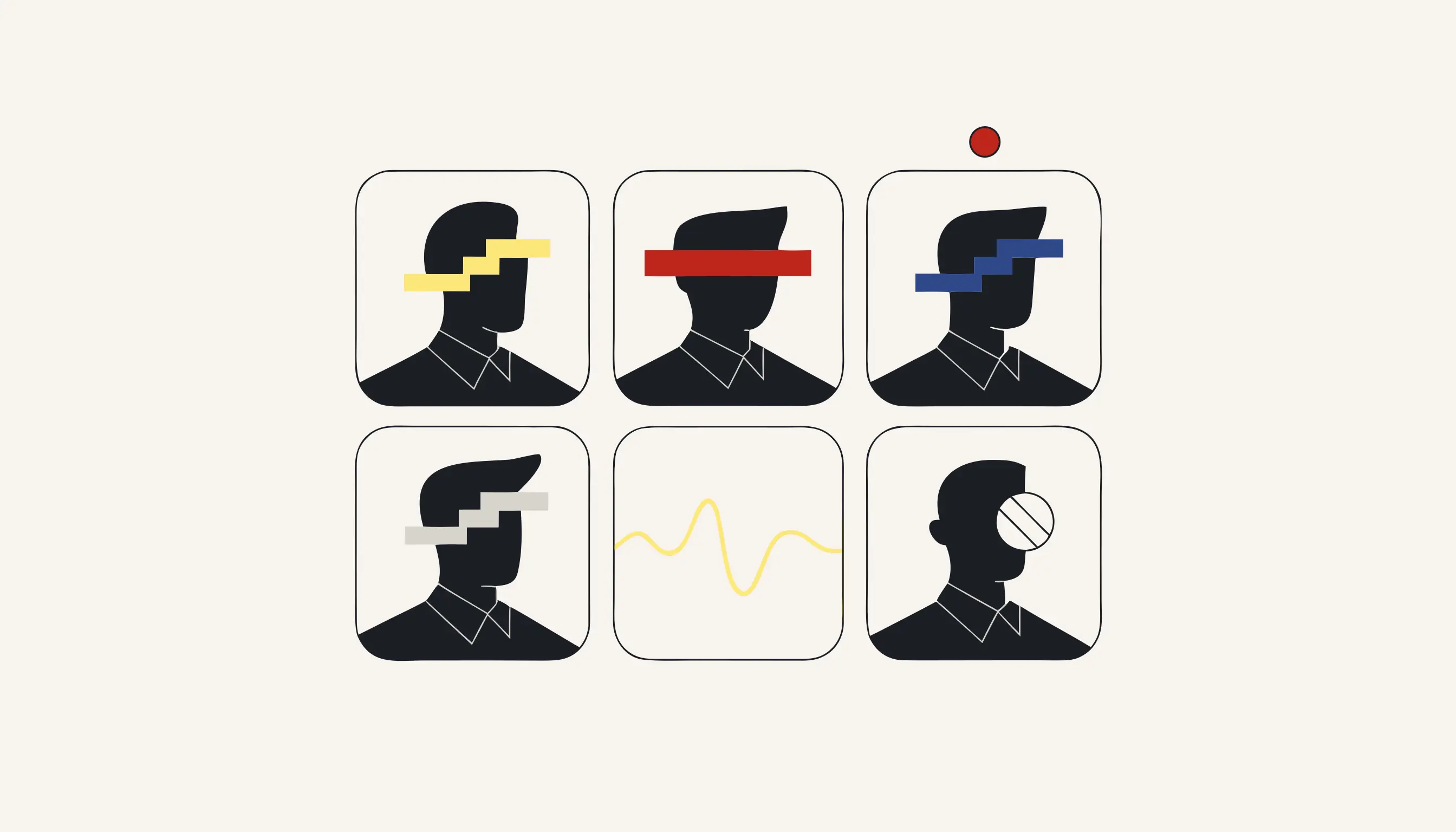
Before a recorded video call travels beyond the people who were on it, cover every participant's face. A recorded meeting is not a document with tidy fields: it is a grid of live faces in gallery view, a speaker tile that swaps as people talk, attendees who joined for one agenda item and dropped off again. Everyone in that grid agreed to be in the meeting; not one of them agreed to be posted on the intranet, clipped for stakeholders or pushed to a public channel. You can anonymize a meeting recording now without an account: upload the file, and each face is covered with a solid box or heavy block pixelation before you distribute it.
Why a recording outruns the meeting it came from
Consent under GDPR Article 6 is tied to a purpose. When your team hit record on a Zoom, Teams or Meet call, the participants agreed to one thing: being captured for the people in that meeting and its stated aim: minutes, an absent colleague, a training archive. The moment the file is handed somewhere else (an all-hands posted internally, a user-research session clipped for a product review, a webinar uploaded to the open web), that is a new purpose the attendees never signed up for. A recognisable face in the frame is personal data, and a close, steady head-and-shoulders shot in a gallery grid drifts toward the biometric category that Article 9 guards more tightly still.
Re-papering everyone's consent after the fact is slow and often impossible: the contractor has rolled off, the interviewee is unreachable, one attendee explicitly asked not to appear anywhere public. The cleaner route is to remove the identifier. Once the faces are destroyed, the redistributed file no longer identifies the people in it for that new purpose, so there is nothing left to consent to.
One person asking to be left out changes the whole export
In almost every recorded call there is someone who joined reluctantly, a guest who never expected to be filmed, or a junior who would rather not headline the company channel. Covering every face (not only the ones who objected) is what lets you share the discussion without singling anyone out or leaving a gap that points straight at them.
A shape on top versus overwritten pixels
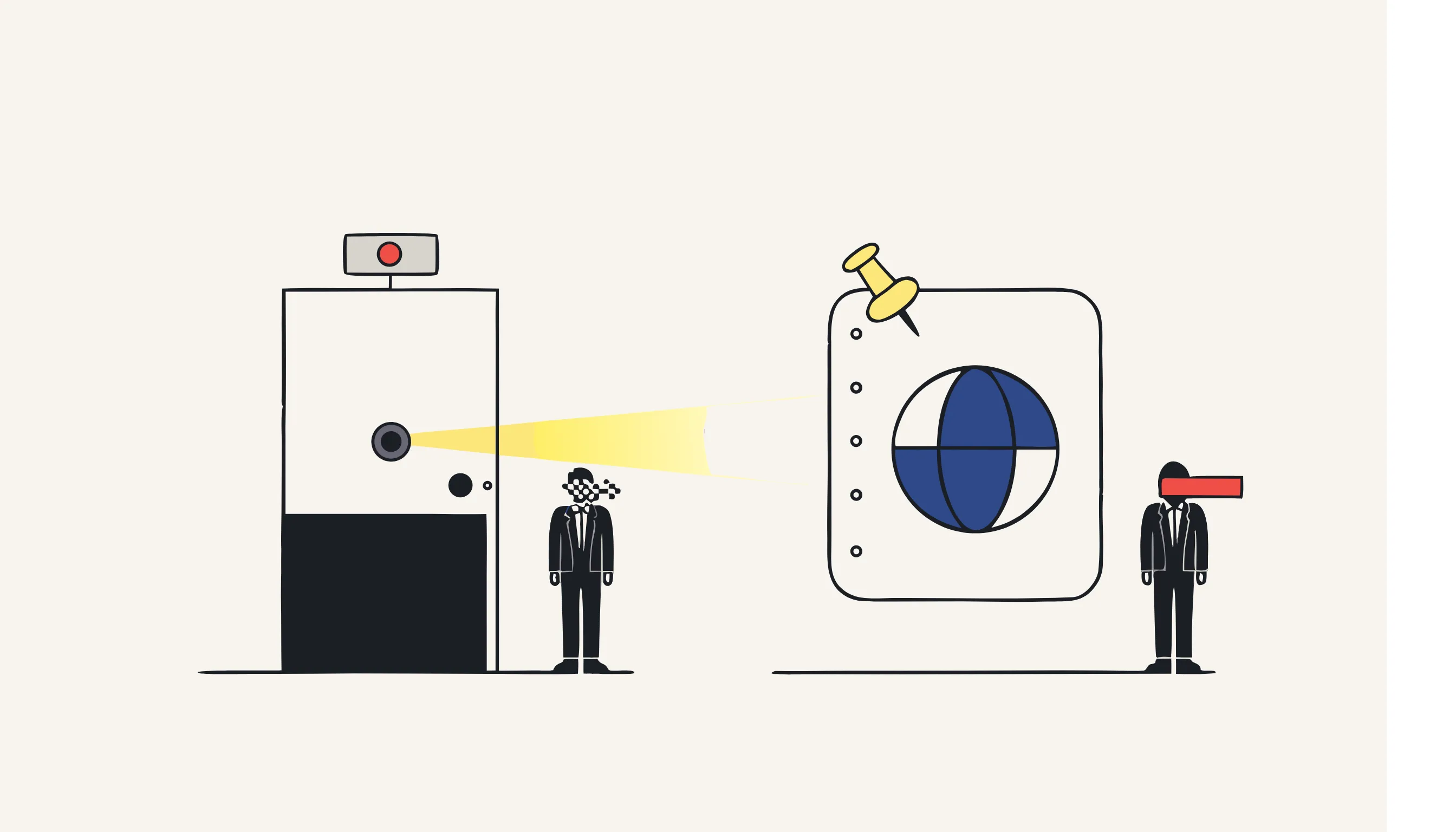
Dropping a blur sticker over a face on the editing timeline and destroying the pixels underneath look alike on playback, but they are not the same thing at all.
- A blur sticker or tracked oval hovers above the real face
- The genuine pixels still sit in the frame beneath it
- A re-export, a different player or a nudged keyframe exposes them
- Pause on a shared screenshot and the face is right there
- The pixels that formed the face become a solid box or coarse blocks
- No untouched copy of the face survives anywhere in the file
- There is nothing layered on top to slip, shift or peel away
- Grab any frame and the face is gone in that still too
Because participants move (turning to a second screen, leaning back, dropping out of frame and rejoining), each face is tracked across the recording so the cover follows it and does not flicker off mid-sentence. The output is re-encoded to a fresh MP4 with the source metadata stripped, and the audit list holds only bounding-box coordinates and the frame range each face appeared in, never a thumbnail, never a name.
Faces on screen, not the slides, and not the spoken part
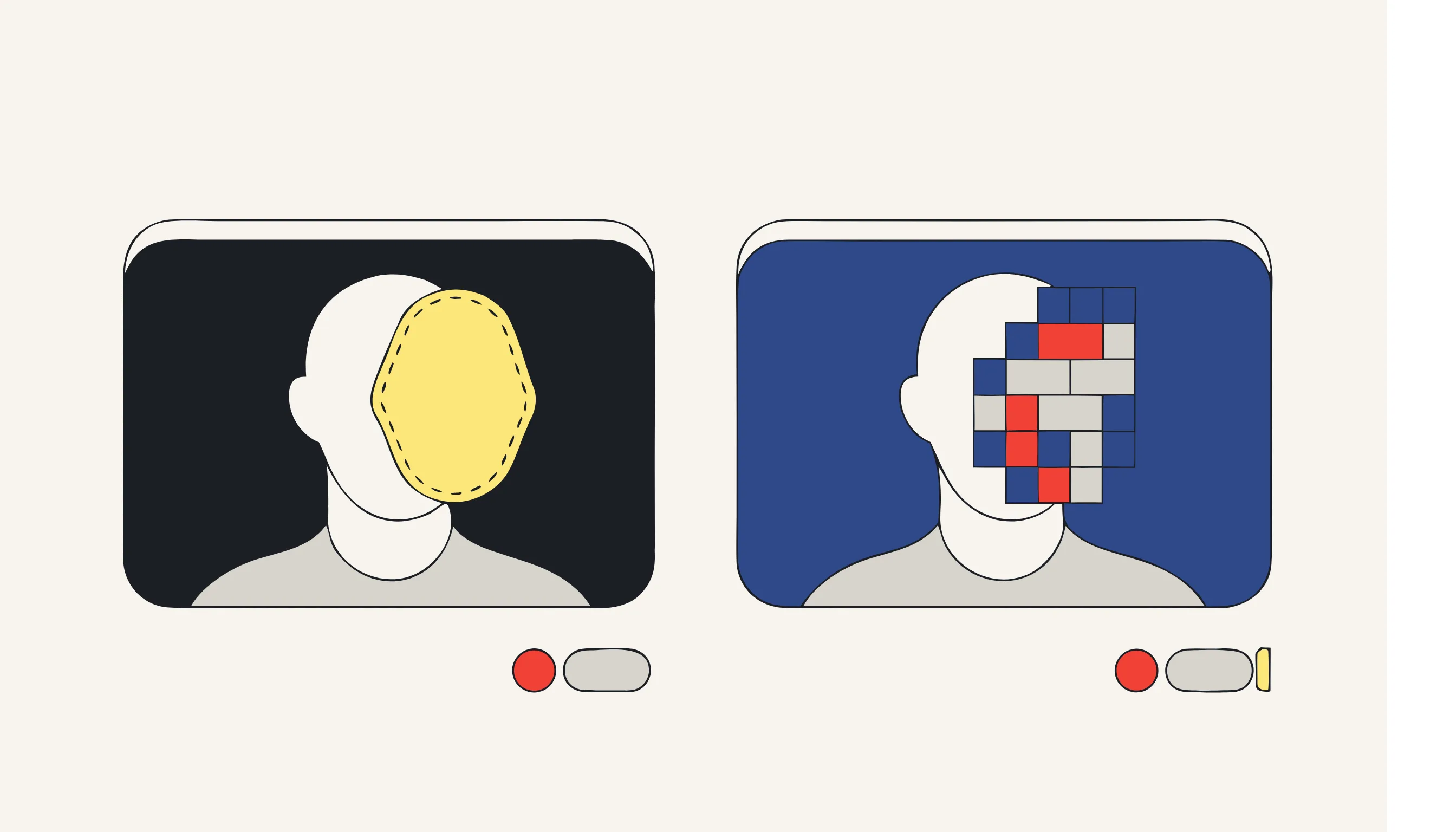
Being precise about scope is what keeps the claim honest. This pass covers faces in the video. It does not read the text on a shared slide, wipe an email address someone pasted into the chat panel, or blank a name badge visible on a desk. Anything shown as on-screen text is outside a facial pass. And on its own it does not handle personal data that is spoken: a surname said aloud, a phone number read out, a client mentioned in passing. For that, run the audio through our call-recording redaction, which locates the words from a transcript and beeps or silences those seconds on the waveform. Because face detection reads shapes rather than language, the facial pass works the same for a German, French or Italian meeting as for an English one; spoken-word detection, by contrast, is strongest for English and Spanish and more limited for other languages, so treat it as best-effort and spot-check sensitive calls.
Anonymize your meeting recording now
Upload the recorded call, choose a solid box or block pixelation, confirm the price, and download an MP4 whose faces are gone from every frame. For the names and numbers spoken in the room, pair it with our call-recording redaction. No account, pay only for what you anonymise.
When you need this
A recorded video call is about to travel somewhere its participants never agreed to. Maybe it is an all-hands that HR wants to post on the intranet, a user-research interview a product team wants to clip for stakeholders, or a webinar going up on YouTube, and in every case there are faces on screen, in gallery view or in the speaker tile, belonging to people who consented to be in that meeting but not to being broadcast beyond it. One attendee asked not to appear in anything public. Upload the recording, and every participant's face is detected frame by frame and covered with a solid box or heavy block pixelation, the original pixels overwritten, not softened, so the version you distribute shows the discussion without exposing the people. Because faces can move, turn away and come back, each one is tracked across frames so the cover does not flicker off mid-sentence.
The compliance angle
A recognisable face in a video is personal data, and a close, consistent facial image edges toward the biometric category that GDPR Article 9 treats as special. Consent under Article 6 is purpose-bound: agreeing to be recorded in a team meeting is not agreeing to have that footage published or sent to people who were never in the room. When the lawful basis for the original recording does not stretch to wider distribution, the clean route is to remove the identifiers rather than re-paper everyone's consent. Destroying the faces means the redistributed file no longer identifies the attendees for that new purpose.
What you can verify
Scrub the output MP4 to any frame and the faces are gone under a solid box or coarse blocks, the underlying pixels are overwritten, so there is no sharpen filter or upscaler that brings them back, and the cover follows each participant as they move rather than sitting as a static rectangle. The file is re-encoded to a fresh MP4 with source metadata stripped. The audit list records only bounding-box coordinates and the frame range each face appeared in, never a thumbnail or an identity. Note the honest edge: this pass covers faces, not the text or PII shown on a shared slide, and spoken names are handled by our call-recording redaction.
Frequently asked questions
Every participant. Detection runs over the whole frame, so a full gallery grid of tiles is covered in the same pass, not just the speaker. Each face is found in every frame and tracked as the layout switches between gallery and speaker view, so a participant stays covered when they become the active speaker or shrink into a corner thumbnail. Nobody is left exposed because they happened not to be talking when a frame was captured.