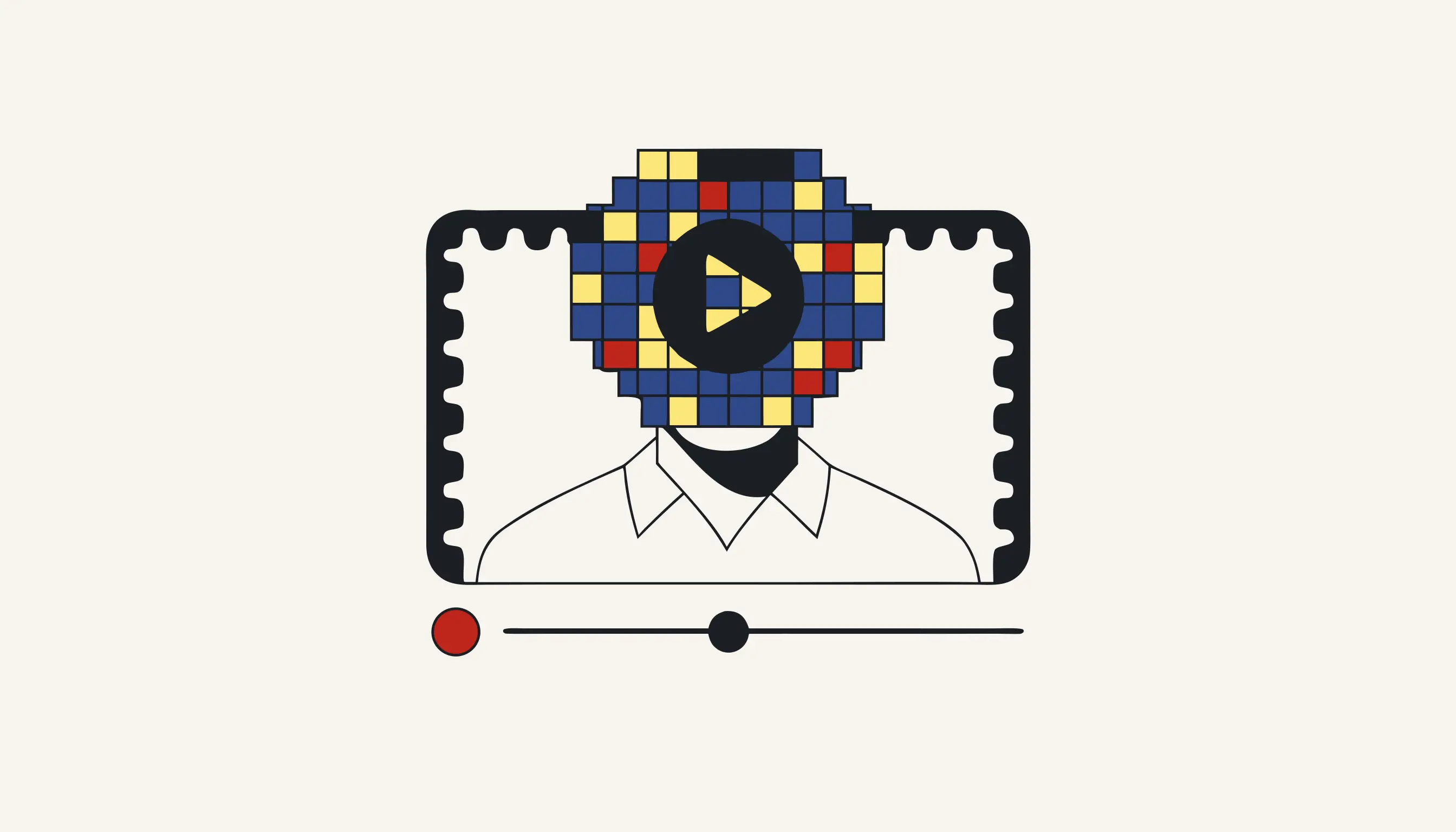
Before a clip goes live on your channel, take out the faces you never asked to film. A street vlog, a customer testimonial in a coffee shop, a travel montage cut for a brand deal: every one of them catches bystanders who never agreed to appear alongside your presenter. Pixelate those background faces before you upload. You can pixelate a video right now without creating an account.
Why a random bystander can derail your upload
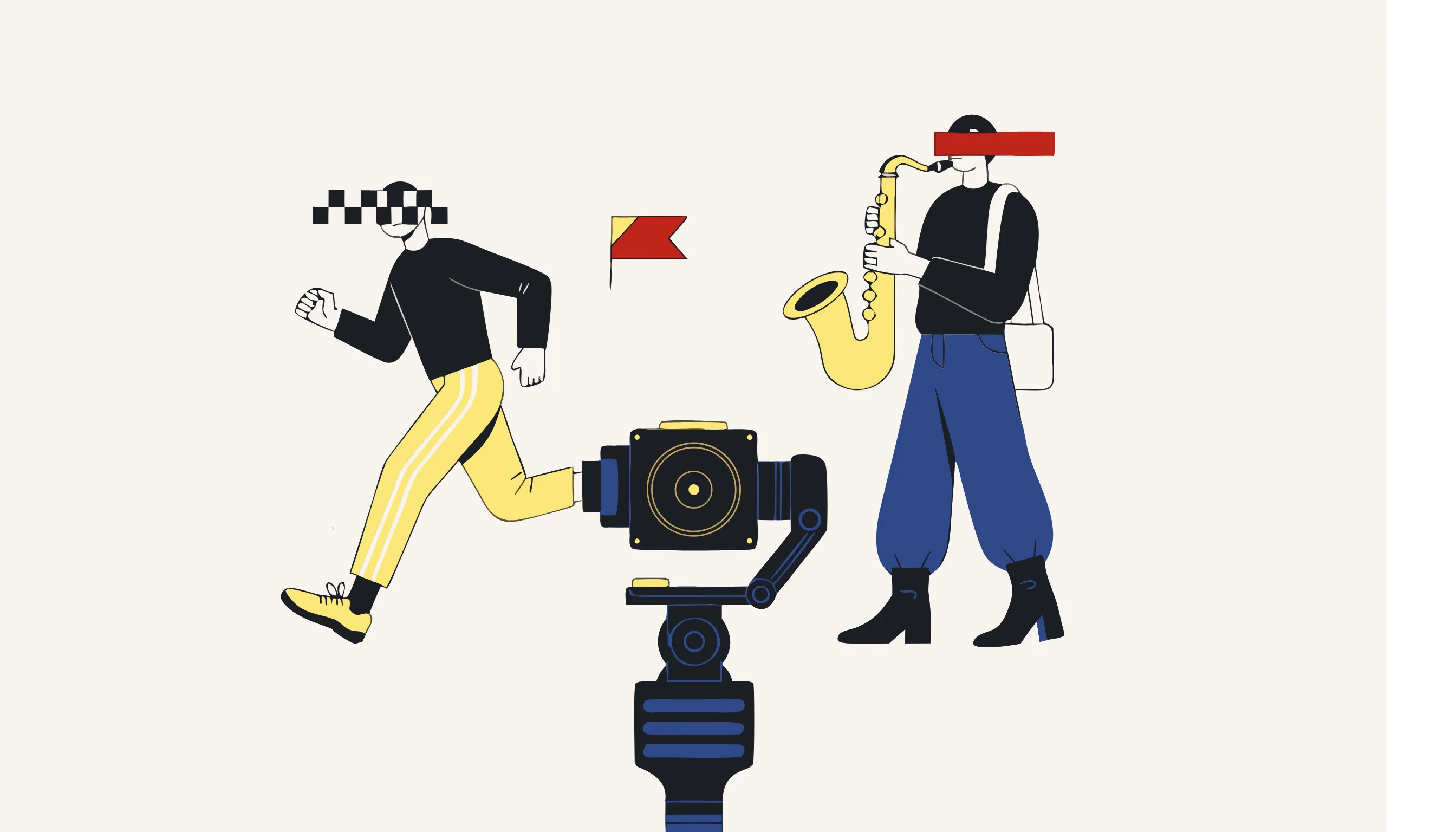
Vloggers, influencers and freelance editors all share one hazard: the lens records whoever happens to be standing there. A tourist gawping at your gimbal, a busker on the corner, a diner at the neighbouring table, a jogger cutting behind your presenter, commuters and onlookers drifting past your backdrop: none of them consented to a cameo on a monetised channel. Whether you shoot a handheld walkthrough, an unboxing, a food haul or a festival recap, the instant your reel, short or long-form episode publishes, their recognisable faces ride along to every subscriber, every repost and every autogenerated thumbnail the algorithm serves.
For a creator the fallout is concrete. One sharp face is enough for a bystander to be tagged by an acquaintance, screenshotted into a comment thread, or dragged into a pile-on they never invited. Some ask politely for a takedown; others flag the video, and a strike or a demonetisation can dent your watch-time and your engagement overnight. You are, after all, earning sponsorship money from footage that stars someone who never agreed to be filmed.
A bystander in the background is still a real person
"They were only scenery" is not consent. If a viewer can recognise the stranger behind your presenter, that face is personal data you are broadcasting with no lawful basis. Pixelate it before the upload, not after the angry comment.
Overlay stickers versus destroyed pixels
Editors reach for two very different fixes, and only one holds up when a viewer freezes the playback, zooms in or slows the clip to quarter speed. Dropping an emoji, a sticker or a tracked shape onto the timeline is an overlay: it floats above the original picture, which is still baked into the file underneath. Pixelation does the opposite: it overwrites those pixels. The face collapses into coarse mosaic blocks inside the real image data of every frame.
- A sticker or shape hovers over the untouched face
- The genuine pixels still live in the frame beneath
- A re-edit, a filter or another player can pop it off
- Screenshot the export and the original face is right there
- The face itself is overwritten into coarse blocks
- No pristine copy of the face survives in the file
- Nothing to pop off, because nothing was laid over it
- Screenshot any frame: it is pixelated there too
This is why the redaction is irreversible: we destroy the pixels that made the face recognisable rather than cloaking them. There is no hidden layer, no pristine copy beneath, and no upscaler or sharpening filter that rebuilds a face from mosaic blocks that no longer describe one.
Keep the star, mosaic the crowd
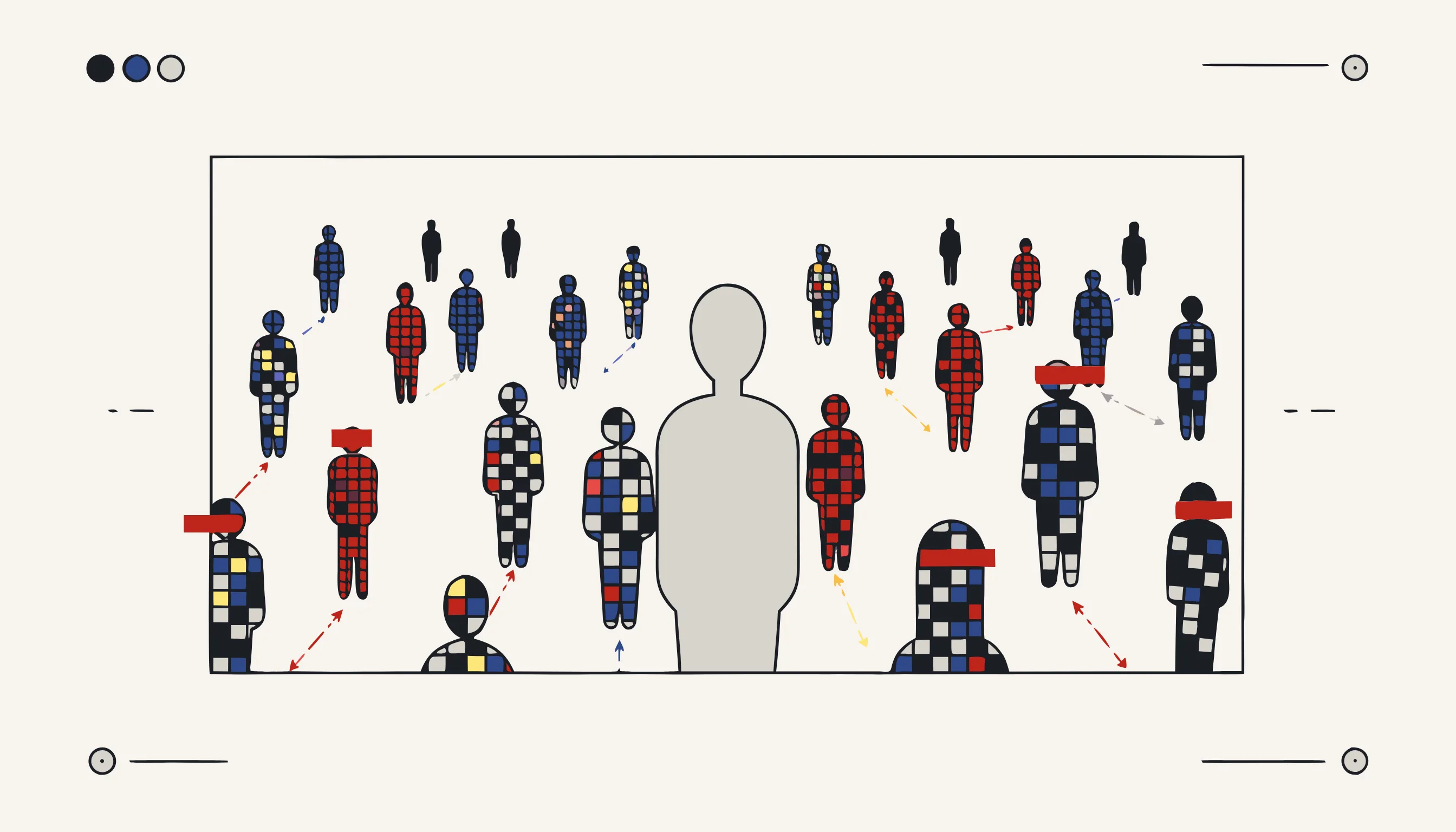
The whole point of a vlog or a testimonial is the person who agreed to be filmed. The tool tracks each face across the footage as people wander through the shot, so a jogger is followed from the edge of the frame into the middle and back out, mosaiced the entire way. You never have to rotoscope it by hand, set keyframes around every head or trim the shot to dodge a passer-by. Your presenter, the one who signed the release, stays untouched and pin-sharp. The high street keeps its bustle, the coffee shop keeps its hum, and the bystanders who strayed in vanish from every frame they surfaced in.
What we do not promise
We are honest about scope. This tool pixelates faces, and only faces. It will not read a numberplate, wipe a tattoo, blank out a doorbell number, mute a name shouted on the soundtrack, or scrub a logo off a passing van, and it does not certify your footage as "compliant" on its own. That verdict is yours to reach. It is one instrument that supports the duty to minimise the personal data you broadcast, and what it does, it does checkably: destroyed pixels you can inspect frame by frame.
Pixelate your clip now
Upload the video, let the tool find and mosaic every background face, confirm the price, and download the cut that is ready for your channel. Your presenter stays sharp, the bystanders are gone, and there is no account to create.
When you need this
You are editing a vlog shot on a busy street and a client testimonial filmed in a cafe. In both clips people wander through the background: a passer-by who stares into the lens, customers at the next table, a stranger crossing behind your subject. You never asked any of them to be on your channel, and one clear face is enough for someone to be recognised and complain. Load the clip into Medianonymizer and let it track every background face across the footage, pixelating each one as it moves through the frame. Your subject stays sharp and the scene keeps its life, the street, the cafe, the motion, while the strangers who wandered in are pixelated out for the whole duration of the clip.
The compliance angle
When you publish a video, every recognisable stranger in it is personal data you are processing without their consent. For a creator there is rarely a lawful basis for putting a random passer-by's face on a monetised channel. Pixelating those background faces before upload removes the identifier, so the people who never agreed to appear are no longer recognisable in what you publish. It supports your GDPR obligation to minimise the personal data you make public, while your own subject, who did consent, stays visible.
What you can verify
Scrub through the exported video frame by frame and land on a background face. The pixel blocks sit in the actual image data of every frame, not on a caption track or an overlay you can switch off: export a still and it is pixelated too. There is no untouched copy of the face inside the file, so no sharpening filter brings it back.
Frequently asked questions
Yes. The tool tracks each detected face across the footage, so a person is followed as they move from one side of the frame to the other, turn away, or step toward the camera. The pixelation stays locked onto the face for every frame it appears in, not just the moment it was first spotted. If a passer-by walks the whole length of the shot, they are pixelated the whole way.