Skip to content
All anonymization guides
CCTV & Surveillance

Redact bystanders from CCTV before you release it

A subject access request gives someone their own footage, not everyone else's. Keep the requester's movements intact and pixelate every other face across the CCTV, frame by frame, so you disclose only the data the request is entitled to.

Medianonymizer TeamJuly 1, 20267 min read
Redact a CCTV export now

No sign-up · Pay per use · Irreversible redaction

A subject access request entitles someone to their own footage — not to the faces of every other person who happened to be on camera at the same time. Before you disclose a CCTV export, pixelate every bystander and staff member, keep the requester's own movements intact, and hand over only the data the request is entitled to. You can redact a CCTV export right now without creating an account.

Why you cannot hand over the raw recording

The right of access is narrow on purpose. It gives a shopper a copy of their personal data — which aisle they walked down, how long they queued at the till, when they left through the entrance. It does not give them a gallery of every other customer who was on the shop floor that afternoon. A raw export pulled off the recorder collapses those two things into one clip: the requester is on camera, but a ceiling dome and a till-point lens also caught dozens of unrelated shoppers, a loss-prevention officer, and the staff working the checkout, each of them a data subject with the same right the requester is exercising.

Hand the recording over untouched and you have disclosed all of those third-party images with no lawful basis for the disclosure. Supervisory authorities are consistent on this: you must satisfy the request and protect the other customers, which in practice means redacting every face that is not the requester's before the export leaves the security office.

Raw shop-floor CCTV is full of other customers' data

Twenty minutes off a single channel of the recorder can hold hundreds of identifiable shoppers. Releasing it wholesale to close one access request exposes everyone else who wandered through the aisle. Pixelate the bystanders first — every time — so the disclosure carries only the requester's own data.

Keeping the requester, redacting everyone else

The distinction that matters for an access request is not "faces on" versus "faces off". It is whose face stays. The requester needs to recognise themselves at the returns desk or in the queue clearly enough to confirm the clip is theirs; every other customer and colleague needs to disappear. That split is exactly what this workflow is built for.

Releasing the export off the recorder
  • Every shopper, courier and staff member is recognisable
  • You disclose other customers' data with no basis
  • One over-broad release can trigger its own complaint
  • The requester could screenshot people they never met at the till
Pixelating the shoppers first
  • Only the requester's own walk through the store stays legible
  • Every other face is reduced to solid blocks across the clip
  • The disclosure carries the requested data and nothing else
  • Nothing in the export can be traced back to the other customers

How the redaction works, frame by frame

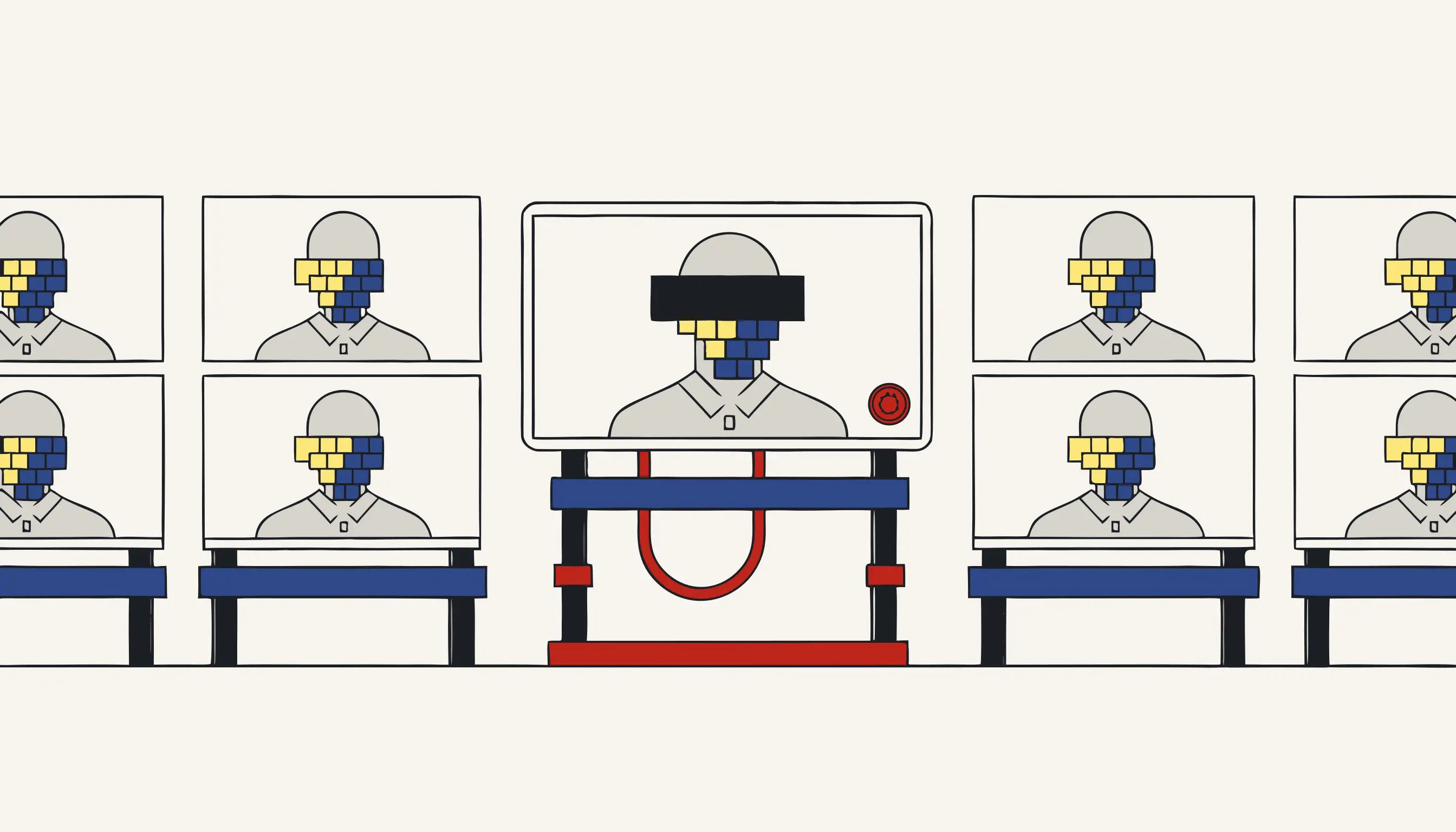
The pipeline reads the exported clip, detects faces frame by frame, and replaces each bystander's face with a solid block. This is destructive by design: the picture that made that shopper recognisable is overwritten, not tucked behind a movable box or a soft filter. Because it runs per frame, a customer who crosses aisle six for three seconds is covered for exactly the moments they appear, while the requester's own route through the store stays intact from the entrance to the exit.

What comes back is a single clip you can put straight into the disclosure. We destroy the picture that identified each shopper; we do not cover it. There is no companion stream holding the originals and nothing quietly retained that a curious requester could pull the other customers back out of. That is what makes the release defensible: scrub the timeline yourself, drop the playhead on any second, and the third-party shoppers are solid blocks while the requester is untouched.

0accounts needed to redact an export
1shopper you keep: the requester
0other customers recoverable from the disclosure

Faces only — and why we say so

We are honest about scope. This workflow pixelates human faces in the clip. It does not read the number plates in your car-park channel, it does not black out a lanyard, a name badge or a till receipt caught on camera, and it does not touch the timestamp or channel label burned into the corner — you usually want those kept for the audit trail. If a plate or a printed name in shot needs to go, trim or crop that portion separately; do not assume we handled it. Promising a plate redaction we cannot deliver is exactly the kind of false assurance that gets a disclosure challenged.

Used for what it does, though, it turns a day of manual frame-scrubbing across a multi-camera export into a single upload: load the clip off the recorder, let the shoppers get pixelated, confirm the requester is still recognisable, and download the file you disclose within the statutory deadline.

What a defensible disclosure looks like

You have a one-month statutory window from the day the request arrives, and most recorders overwrite their own drive on a thirty-day retention loop — so pull the relevant channels off the DVR early, before the incident scrolls past and is gone. Log the request in your disclosure ledger, redact every uninvolved shopper, and keep a short cover note explaining that third-party faces were pixelated on grounds of proportionality. The accountability principle expects you to show your reasoning, not just your output: a regulator reviewing a complaint wants to see that the redaction was deliberate and proportionate.

If a colleague later objects to appearing, or the requester disputes that the clip is really theirs, the pixelated export and the ledger entry together are your evidence that both rights were balanced. And where a car registration, a printed staff name or a membership card stays legible in the frame and cannot be handled here, crop it out before the bundle is sent — the disclosure should carry the requester's data and nothing that identifies anyone else.

From the control room to the disclosure bundle

Retail CCTV rarely comes off a single tidy camera. A shopping-centre control room juggles ceiling domes over the tills, a pan-tilt-zoom on the concourse, a fisheye above the stockroom door and an entrance turnstile feed, all written to one recorder on a rolling loop that wipes itself after thirty days. When a shopper files their request, the operator pulls the relevant channels, but a busy afternoon of footfall crowds the twenty-minute window: queue-jumpers at the self-checkout, a courier wheeling a delivery cage, a security guard on patrol down the aisle, kids by the vending machine and a merchandiser restocking the gondola shelves.

Every one of those bystanders is a separate data subject with the same right the requester is exercising. Pixelating them before the clip reaches the disclosure bundle is what separates a proportionate release from an over-collection complaint. If the request grew out of a shoplifting incident logged in the daybook, crop the stretch of shop window, fitting room or neighbouring checkout that has nothing to do with the requester: the disclosure should carry their walk through the premises and nothing that identifies the rest of the clientele or the staff.

Redact your CCTV export now

Export the relevant channel to a standard clip, upload it, confirm the price, and download the redacted copy with every bystander in solid blocks and the requester intact — ready for the disclosure bundle. No account, pay only for the export you anonymise.

When you need this

A customer has filed a subject access request and wants the store's CCTV of the twenty minutes they were on the shop floor. You are legally required to give them footage of themselves, but the same frames show dozens of other shoppers and two staff members who have their own privacy rights. You cannot hand over the raw recording, and manually blurring every other face across twenty minutes of multi-camera video is a day of work you do not have. Load the export into Medianonymizer, keep the requester's own movements intact, and pixelate every other face in the footage. You release exactly what the law requires, the requester's own data, with every unrelated bystander destroyed from the frames they appear in.

The compliance angle

A subject access request entitles a person to their own personal data, but not to the personal data of everyone else caught on the same camera. Releasing raw CCTV would disclose those third parties' images without a basis, so supervisory authorities expect you to redact them first. Pixelating every bystander's face before you disclose the footage lets you satisfy the requester's right of access while protecting the other data subjects, a redaction in support of your obligation to balance both rights, not a claim that the disclosure is automatically lawful.

What you can verify

The disclosed file has the bystanders' faces overwritten in every frame they appear in: there is no second copy or hidden layer the requester could extract to reveal who else was in the store. Play it back or export any frame and the third-party faces are pixel blocks, while the requester's own footage is untouched. What you hand over contains only the data the request is entitled to.

Frequently asked questions

Can I redact everyone except the person who filed the access request?
Yes — that is the whole point of this workflow. You keep the requester's own movements intact and pixelate every other face in the footage. The requester receives video of themselves, exactly what the right of access entitles them to, while every unrelated shopper and staff member is destroyed from the frames they appear in. You disclose their data, not everyone else's.
Could the requester recover the other shoppers' faces from the file I hand over?
No. The pixelation is baked into the pixels of every frame a bystander appears in. There is no second copy, no hidden layer and no metadata that stores the original faces. Export any frame from the file you disclose and the third-party faces are solid blocks of pixels — the underlying image is gone, not covered. That is irreversible redaction: we destroy the data, we do not hide it. Check it yourself.
Does it work with multi-camera or timestamped CCTV exports?
It processes a standard video file. Timestamp burn-ins and on-screen camera labels stay in place — they are part of the picture and you usually want them for the audit trail. If your DVR or NVR writes a proprietary container, export or convert each camera angle to a standard video first, then run them through one at a time. Faces are detected and pixelated the same way regardless of the overlays on top.
Do you also redact license plates in the footage, or only faces?
Only faces. This tool detects and pixelates human faces; it does not redact number plates and we will not claim that it does. If a plate is visible and identifiable in your export and it needs to go, crop or remove that portion separately — do not rely on us for plates.
Is there an account or subscription for a one-off SAR export?
No account and no subscription. You pay per job and see the exact price before you confirm, so a single access-request export costs only what that one file costs. Nothing to sign up for and nothing recurring.

Anonymize your file now

Upload your text, choose what to remove, and download a clean copy — the personal data is deleted, not hidden.

No sign-up · Pay per use · Irreversible redaction

Step 1 of 4
Upload your file
Drag in any file — we detect the type automatically. It's encrypted and uploaded directly to storage, never through us.

Related guides