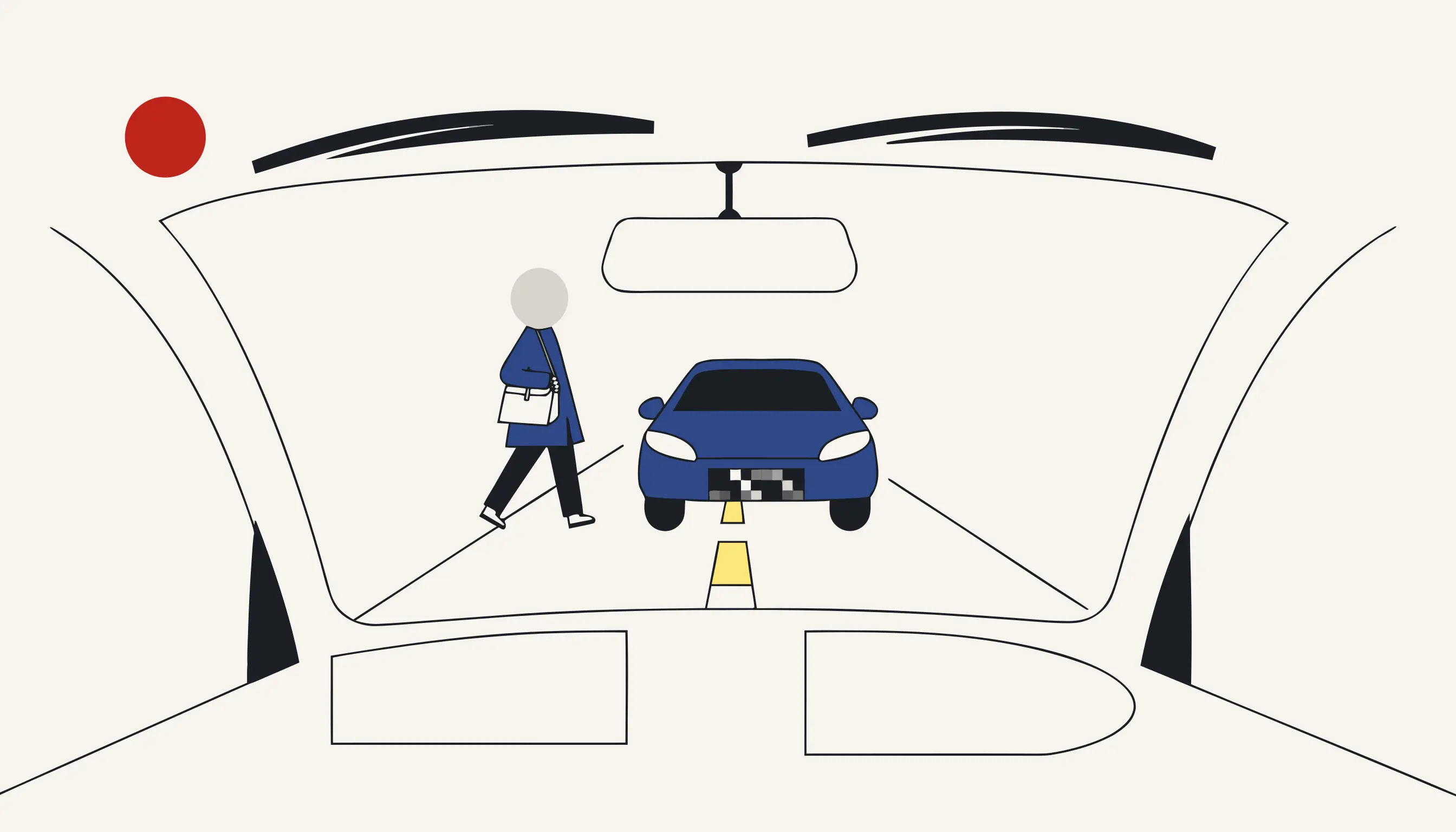
Before you send that dashcam clip to your insurer or drop it into a road-safety group, take the strangers out of it. A dashcam does not only record the car that hit you: it records the person behind the wheel, the couple crossing at the lights, and the cyclist who happened to be in shot. None of them agreed to appear in your dispute. You can pixelate every face right now without creating an account, while the collision and the junction stay perfectly readable.
Why raw dashcam footage exposes strangers
The moment you upload an unedited dashcam clip to a public group, you become the publisher of everyone the lens caught. A road incident is a chaotic scene: the other driver's face at their window, pedestrians on the pavement, a cyclist filtering past, maybe someone filming on their phone. Your footage identifies all of them, and none of them signed up to be part of your accident story.
The variety is the point. A near-miss on a roundabout, a brake-check on the motorway, an undertaking van catching your wing mirror at rush hour, a courier on a moped weaving through a tailback. Each clip you might want to post to warn other commuters is crowded with people who were simply going about their day. The learner in the next car, someone queuing at the bus stop, a delivery rider on the traffic island: your camera logs them all, and a public forum turns that log into a searchable gallery of strangers' faces.
Sharing the same clip privately with your insurer is a narrower, more defensible use, but a public post is different. Putting recognisable faces online over a fender-bender you want the internet to adjudicate has no obvious lawful basis, and drivers across the EU have faced complaints for exactly this. The fix is not to keep quiet; it is to remove the identifier before you press share.
A raw dashcam post identifies people who never consented
The other driver, a pedestrian, a passing cyclist: a public clip turns each of them into an identifiable subject in a dispute that is not theirs. Pixelate the faces first, every time, and keep the argument about the road, not the people.
What the camera actually catches through the windscreen
A dashcam sees more than you remember. Slow the footage around the impact and you will spot faces you never noticed live: a driver leaning to look, a passenger in the next lane, someone stepping off the kerb. Medianonymizer runs a face detector across every frame and pixelates each one it finds, so the human beings disappear while the event stays intact.
- You miss faces that only appear for a few frames
- A soft on-screen blur can sometimes be sharpened back
- The overlay lives on top of the video, not inside it
- One export setting away from leaking the original
- Every frame is scanned, not just the ones you remember
- Faces are overwritten with pixel blocks in the image data
- No clean layer underneath to peel back or recover
- Screenshot the result and the faces are still destroyed
Pixelation that survives the export
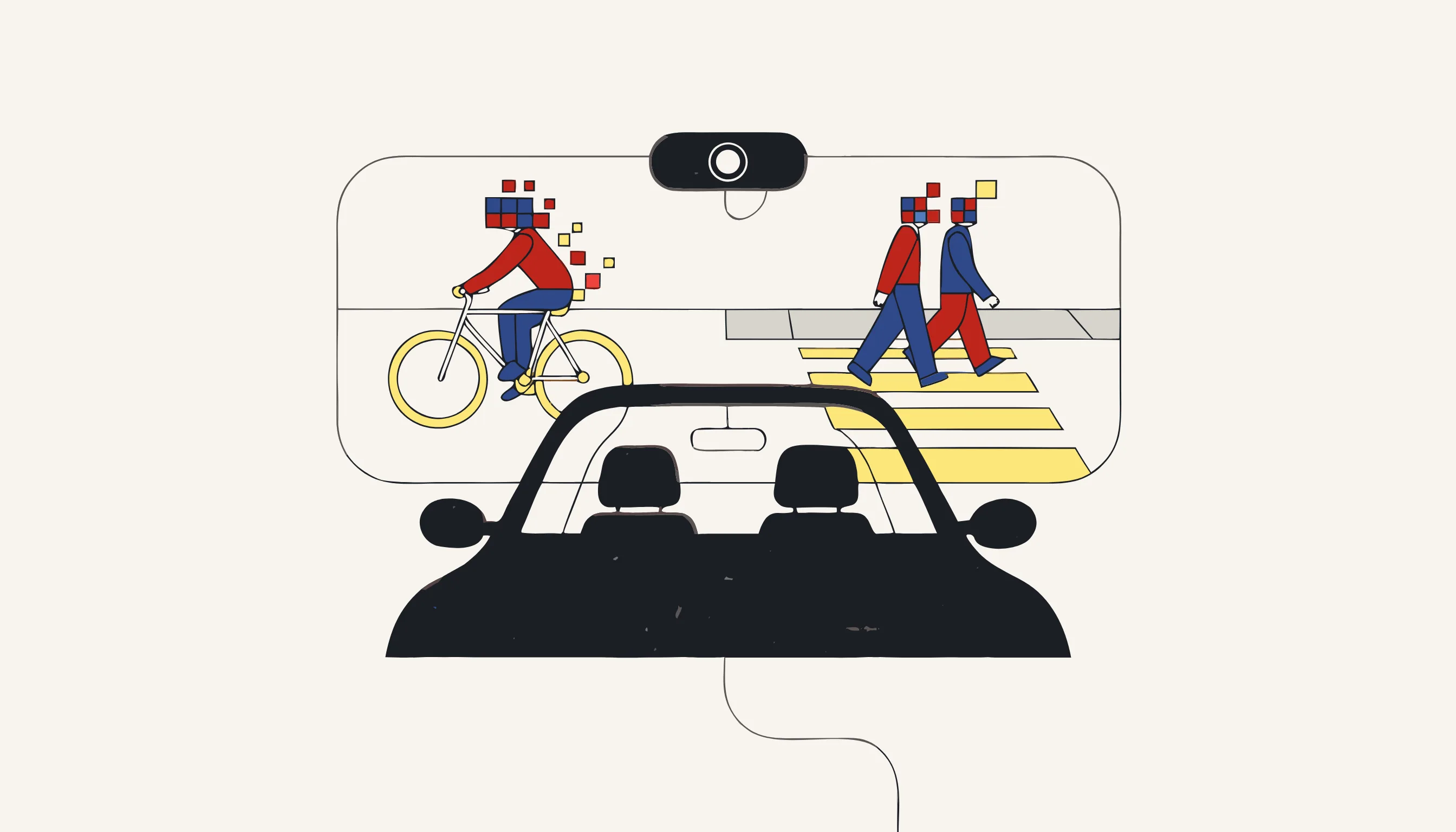
The reason this holds up is simple: the pixelation is written into the frames themselves, not painted over them. When the anonymized MP4 is rendered, the pixels that once formed a face are gone from that region of the image. Step through the export frame by frame, save any moment as a still, and the faces remain pixel blocks; there is no hidden original to recover and no overlay to switch off.
That is the honest version of the claim. We destroy the pixels that identified a person; we do not tuck them behind a mask you could lift. It supports your GDPR obligation as the person publishing the clip; it does not, on its own, make every possible use of the footage lawful.
From the roadside to the insurance claim
A dashcam clip earns its keep the moment a collision turns into a dispute over who is at fault. Your insurer's claims adjuster wants to see the sequence: who had right of way at the junction, whether the other driver braked, jumped the amber, or was tailgating before the rear-end shunt. The recording settles liability, protects your no-claims bonus, and can spare you an inflated premium when a third party's account of events does not match the road. If your policy runs on a telematics black-box, the footage corroborates the sensor log; the adjuster weighs your excess, screens for whiplash, and traces the sequence from the chevron markings and an overhead gantry to the lay-by, the hard shoulder and the slip road where an articulated lorry drifted across the dual carriageway.
But the same file that proves your case also drags uninvolved people into it. On a busy carriageway a single crash moment can hold a motorcyclist filtering between lanes, a pedestrian mid-stride on a zebra crossing, a scooter rider waiting at the give-way line, and an onlooker recording on the pavement. When you forward the raw video to the adjuster it stays contained; the instant you paste it into a public road-safety thread, every commenter downloads their faces too. Pixelate first and the evidentiary detail (the skid, the indicator, the point of impact, the timestamp on the dashboard) survives untouched while the bystanders are gone.
What we do not promise
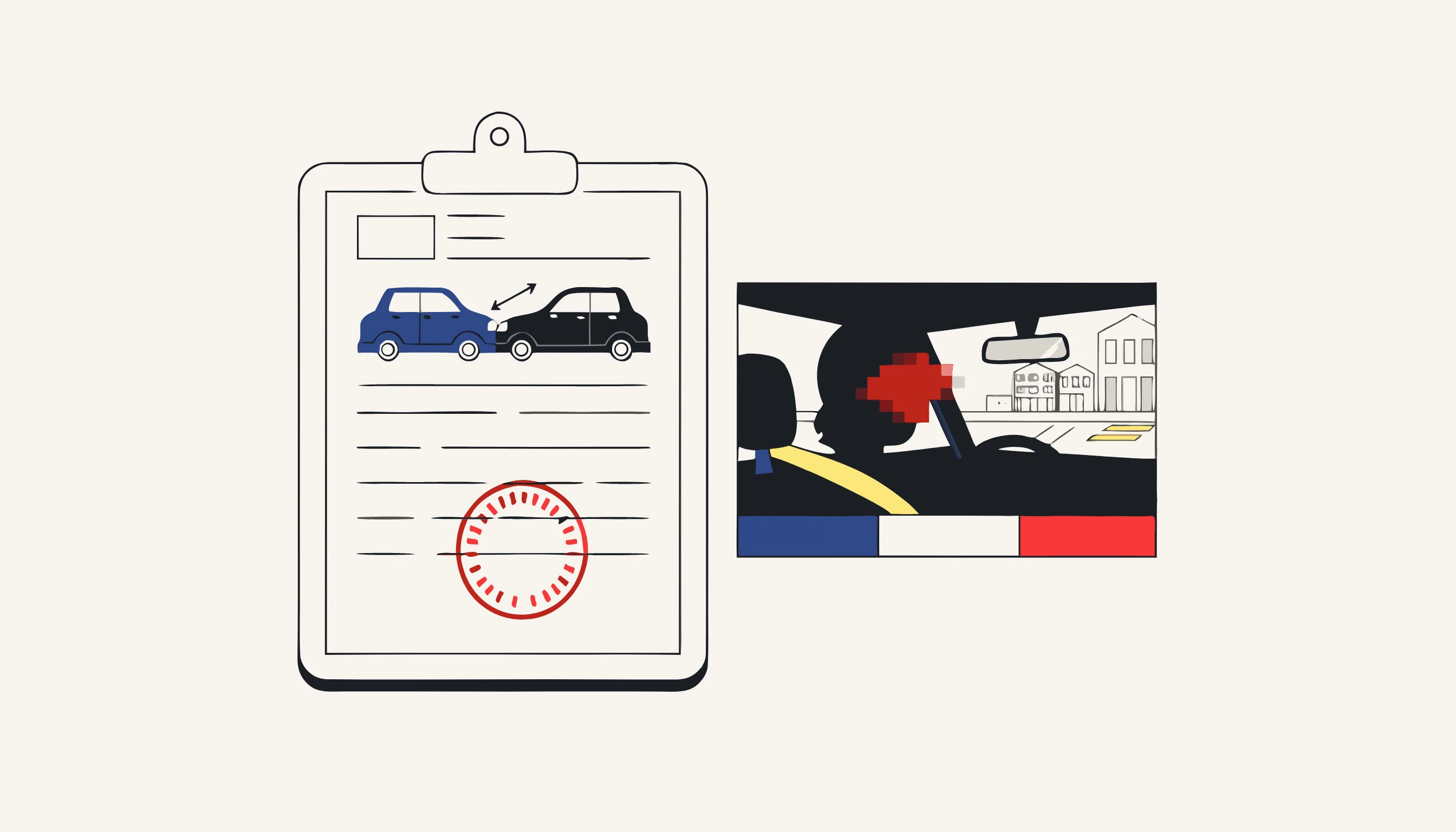
We keep the scope honest. This workflow pixelates human faces in your dashcam video. It does not read or hide number plates, it does not remove voices from the audio track, and it does not guarantee that every fleeting, reflected or tiny face is caught, which is why the preview lets you check and add any the detector missed. If your goal is to share a road incident without putting bystanders' faces online, this is the right fit.
Pixelate your dashcam clip now
Upload the MP4, review the faces the detector found, add any it missed, confirm the price and download the anonymized video. The collision stays clear for your insurer or your safety group; the strangers do not. No account, pay only for the clip you anonymize.
When you need this
Your dashcam caught the moment another car ran a red light and clipped your bumper. You need to send the clip to your insurer and you want to post it to a road-safety group so others recognise the junction, but the footage also shows the other driver's face at the window, a couple crossing at the lights, and a cyclist who had nothing to do with it. Uploading it raw puts strangers on the internet over a dispute that is not theirs. Drop the file into Medianonymizer and pixelate every face the camera caught through the windscreen. The collision, the road layout and the timestamp stay perfectly clear for your claim, while the bystanders and the other driver are destroyed from every frame they appear in.
The compliance angle
Posting dashcam footage of a road incident publishes the personal data of everyone the camera caught, the other driver, pedestrians, a passing cyclist, none of whom consented. Sharing it with your insurer is narrower, but putting raw faces on a public group has no lawful basis and has drawn complaints across the EU. Pixelating the faces before you share removes the identifier, so you can make your point about the junction or support your claim without exposing uninvolved people. It supports your GDPR obligation as the person publishing; it does not by itself make every use of the clip lawful.
What you can verify
Export the clip and step through the frames around the collision: each face the windscreen caught is overwritten with pixel blocks that live in the image data itself, not on a removable overlay. Save any frame as a photo and the faces are still pixelated in the still. There is no clean version of those faces left inside the file for anyone to pull back out.
Frequently asked questions
Yes. The pipeline targets faces, not the whole scene. The other vehicle, its position, the traffic lights, the road markings and the moment of impact all stay sharp, only the human faces the camera caught are pixelated. That is exactly what an insurer or a road-safety group needs: the event stays legible while the people in it are removed.