License plates are personal data. In most EU jurisdictions a plate links directly to a registered owner, which means footage with visible plates (dashcam clips, CCTV exports, research video) carries an obligation to anonymize before sharing, publishing, or archiving.
The tools below represent the main options available in 2026: one purpose-built SaaS for self-serve users, two enterprise-grade cloud platforms, a consumer-focused web tool, and a developer-maintained open-source library. Each has a genuine niche; none is right for every situation.
TL;DR
- Medianonymizer is best for self-serve video plate redaction: transparent pricing, irreversible processing, no sales call required. Blur license plates now.
- Celantur: best for enterprise API integration and dedicated infrastructure at scale.
- Gallio Pro: strong for mixed fleets and automotive datasets; API-first.
- Blur.me: consumer-friendly browser tool; good for occasional, non-critical redaction.
- deface: open-source, runs fully local; best for developers who need full control and zero cloud dependency.
Medianonymizer
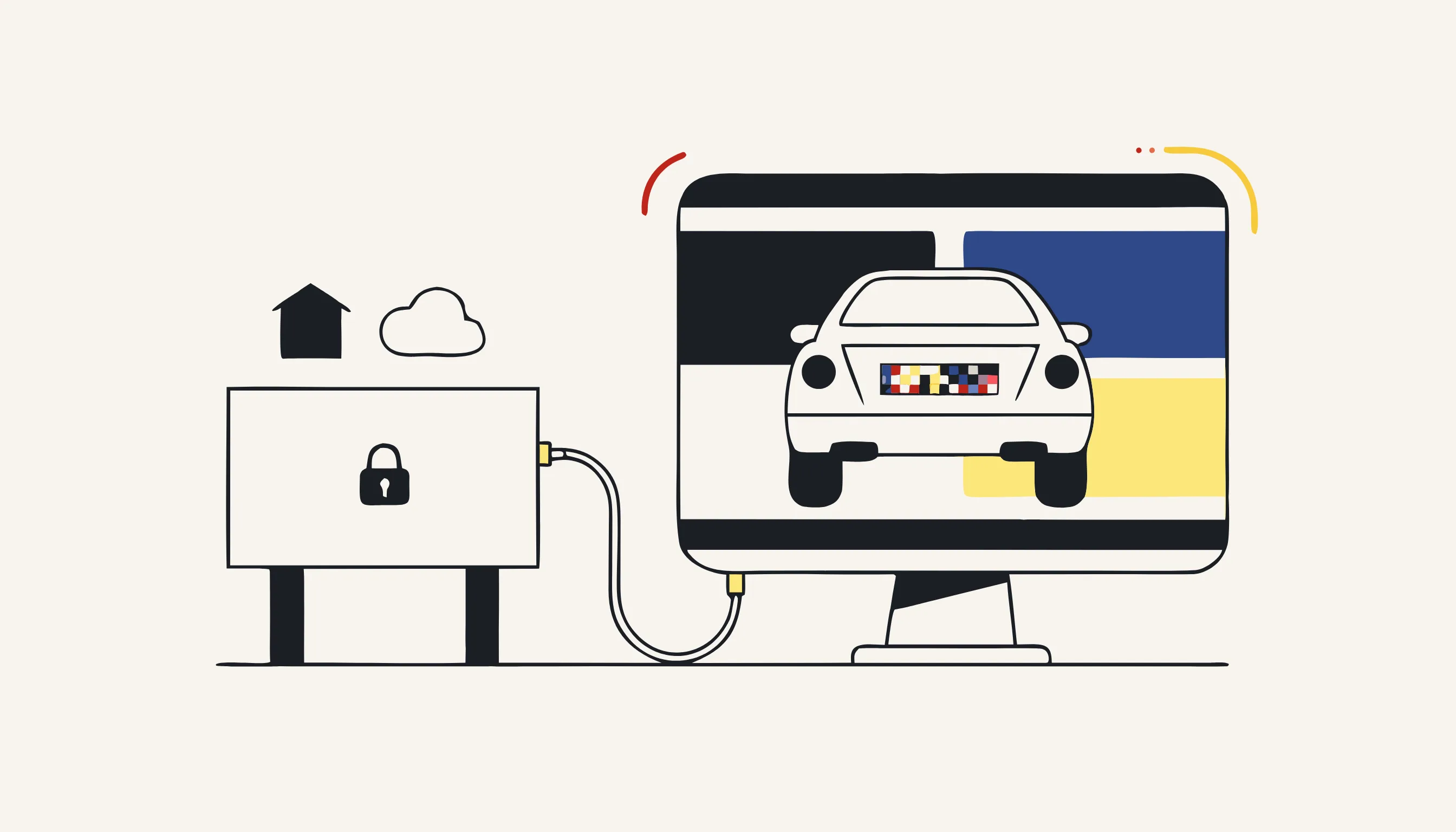
What it does: Medianonymizer runs AI detection to locate license plates (and faces, screens, or spoken PII) in images and video, then a deterministic pipeline (ffmpeg for video, image-processing code for photos) re-encodes those regions as an irreversible blur. No overlay, no removable mask: the pixels are gone.
For whom: Journalists, legal teams, researchers, and small businesses that need occasional to moderate anonymization without enterprise procurement. Self-serve, no account needed to start.
Strengths:
- Irreversible by design: the deterministic pipeline re-encodes pixels rather than overlaying a filter, so the redaction cannot be peeled back.
- Transparent pricing: images from 1.99 EUR, video from 4.99 EUR, charged per job. No subscription, no hidden tiers.
- Multimodal in one upload: blur plates and faces simultaneously, beep spoken PII in the audio track, strip metadata; everything in a single pass.
- Multilingual interface: available in 6 languages, useful for cross-border compliance teams.
- No account required to process a file.
Limitations:
- Not designed for continuous high-volume API ingestion at enterprise scale (thousands of files per day via automated pipeline).
- No on-premise deployment option; footage is processed server-side.
Best for: One-off and moderate-volume redaction where speed of setup and auditability matter more than raw throughput. See Medianonymizer's use cases for blurring faces in video for the full scope.
Celantur
What it does: Celantur offers a cloud API and an on-premise container specifically built for automated anonymization of faces and license plates in images and video at scale. It is widely used in smart-city, automotive, and logistics projects.
For whom: Enterprise engineering teams that need to integrate plate anonymization into an existing data pipeline via REST API.
Strengths:
- Battle-tested API with strong documentation; easy to integrate into data pipelines.
- Supports both cloud processing and on-premise Docker deployment; the latter keeps footage entirely inside your infrastructure.
- High throughput, designed for continuous ingestion.
Limitations:
- No self-serve consumer path; pricing requires a sales conversation.
- On-premise licensing costs are significant; less accessible for smaller teams.
- Does not handle audio PII redaction natively.
Verdict: The strongest enterprise choice for automated plate + face redaction at volume, especially where on-premise is a requirement. Compare Medianonymizer vs. Celantur →
Gallio Pro
What it does: Gallio Pro targets automotive, fleet management, and smart-mobility datasets. It detects and blurs license plates (and faces) via a cloud API, with a focus on accuracy across diverse plate formats and lighting conditions.
For whom: Automotive OEMs, mapping companies, and fleet operators building or auditing video datasets.
Strengths:
- Strong multi-country plate recognition coverage, including non-standard formats (trailers, motorcycles, EU variants).
- API-first; integrates cleanly into annotation and labeling pipelines.
- Decent batch throughput for dataset preprocessing.
Limitations:
- Focused narrowly on visual redaction; no audio processing.
- Pricing is volume-based and not publicly listed: requires contact for quotes.
- Overkill for single-file or occasional use.
Verdict: A specialist tool for automotive and mapping teams processing large structured datasets. Less suitable for ad-hoc compliance use.
Blur.me
What it does: Blur.me is a browser-based tool that lets users manually draw blur regions over images or short video clips. It is the lightest-weight option on this list.
For whom: Individuals who need to blur a plate in a single photo or short clip before posting on social media.
Strengths:
- Zero setup, runs in the browser.
- Intuitive manual selection; good for images where AI detection would be overkill.
- Free tier for basic use.
Limitations:
- Manual, not automatic: you draw the blur; it does not detect plates. Plates you miss stay visible.
- Not suitable for video longer than a few seconds in practice.
- The blur is applied client-side as a visual overlay in some workflows; re-encoding strength and irreversibility depend on export settings and are not guaranteed.
- Not designed for compliance use cases; no audit trail.
Verdict: Acceptable for casual, low-stakes use (social media post, quick personal share). Do not use for GDPR-compliance redaction of evidence or commercial footage.
deface (open source)
What it does: deface is a Python command-line tool that anonymizes faces (and can be extended to plates via custom detectors) by running a neural network locally and applying a deterministic blur or pixelation. It runs entirely on your hardware.
For whom: Developers, researchers, and security-conscious organizations that cannot send footage to any third-party cloud.
Strengths:
- Fully local: footage never leaves your infrastructure.
- Open source and auditable; you can inspect exactly what the pipeline does.
- Composable: can be integrated into custom scripts and CI pipelines.
- Free.
Limitations:
- Primary focus is face anonymization, not license plates. Plate redaction requires additional configuration or a custom detector module.
- Command-line only; no GUI.
- Requires Python environment setup and GPU for acceptable performance on long clips.
- No audio PII handling.
- Community-maintained; SLA is whatever you build yourself.
Verdict: The right choice when you need zero cloud dependency and have developer resources. Expect setup time. For out-of-the-box plate redaction without coding, it is not the fastest path.
How the tools compare
| Tool | Plate detection | Audio PII | Irreversibility guarantee | Pricing model | On-premise |
|---|---|---|---|---|---|
| Medianonymizer | Automatic (AI + deterministic) | Yes | Re-encoded pixels | Per file (transparent) | No |
| Celantur | Automatic | No | Re-encoded pixels | Custom (enterprise) | Yes |
| Gallio Pro | Automatic | No | Re-encoded pixels | Volume-based (quote) | No |
| Blur.me | Manual (user draws) | No | Export-dependent | Freemium | No |
| deface | Faces (plates via extension) | No | Re-encoded pixels | Free (open source) | Yes |
Common use cases
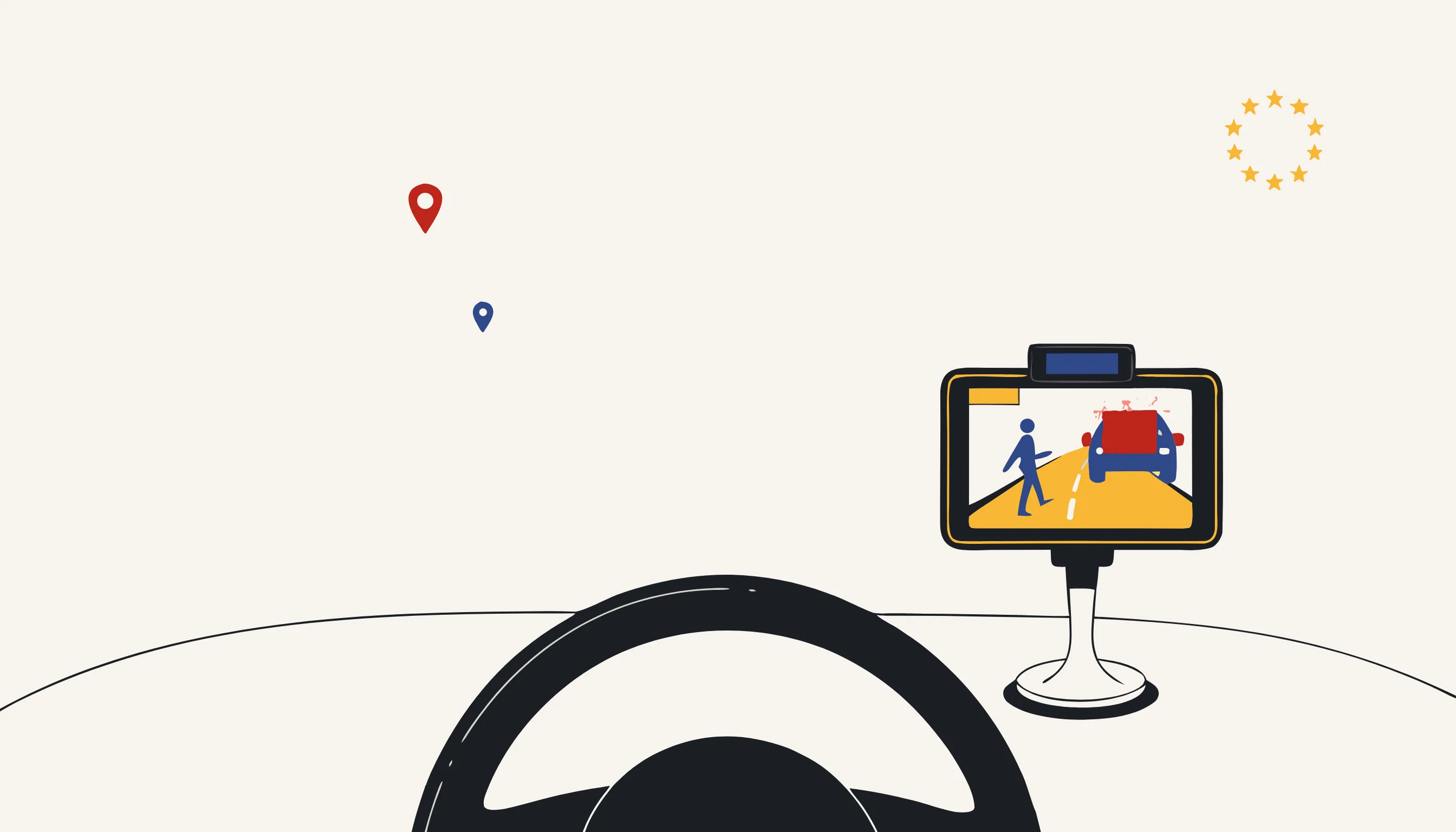
- Dashcam footage before publication: blur third-party plates to comply with GDPR before sharing clips online or in legal proceedings.
- CCTV exports for insurance claims: redact bystander plates before sending footage to insurers or lawyers.
- Research and training datasets: anonymize plates in video or image corpora used for ML model training.
- Automotive fleet telemetry: strip plates from road-facing cameras before storing footage for route analysis.
- Journalism and documentary: protect sources and bystanders in recorded street footage.
A practical checklist before you publish
- Every visible plate is blurred in every frame: check turns, partial occlusions, reflections.
- The blur is strong enough that no super-resolution technique can recover the plate number.
- Redaction is baked into re-encoded pixels, not an overlay layer.
- Faces and other identifiers in the same footage are also anonymized.
- Spoken plate numbers in the audio track are beeped or silenced if present.
- Container metadata (GPS, device ID, timestamps) is stripped where required.
Blur license plates now
If you have footage that needs plate redaction today, the fastest self-serve path is Medianonymizer: upload the file, confirm what to blur, and download an irreversibly anonymized copy (no account, no sales call).
Frequently asked questions
Blurring alone is necessary but not always sufficient. If the video contains faces, spoken names, or other identifiers alongside plates, those must also be anonymized. Additionally, the blur must be re-encoded into the file itself, not applied as a removable overlay, otherwise it does not constitute irreversible anonymization under GDPR.