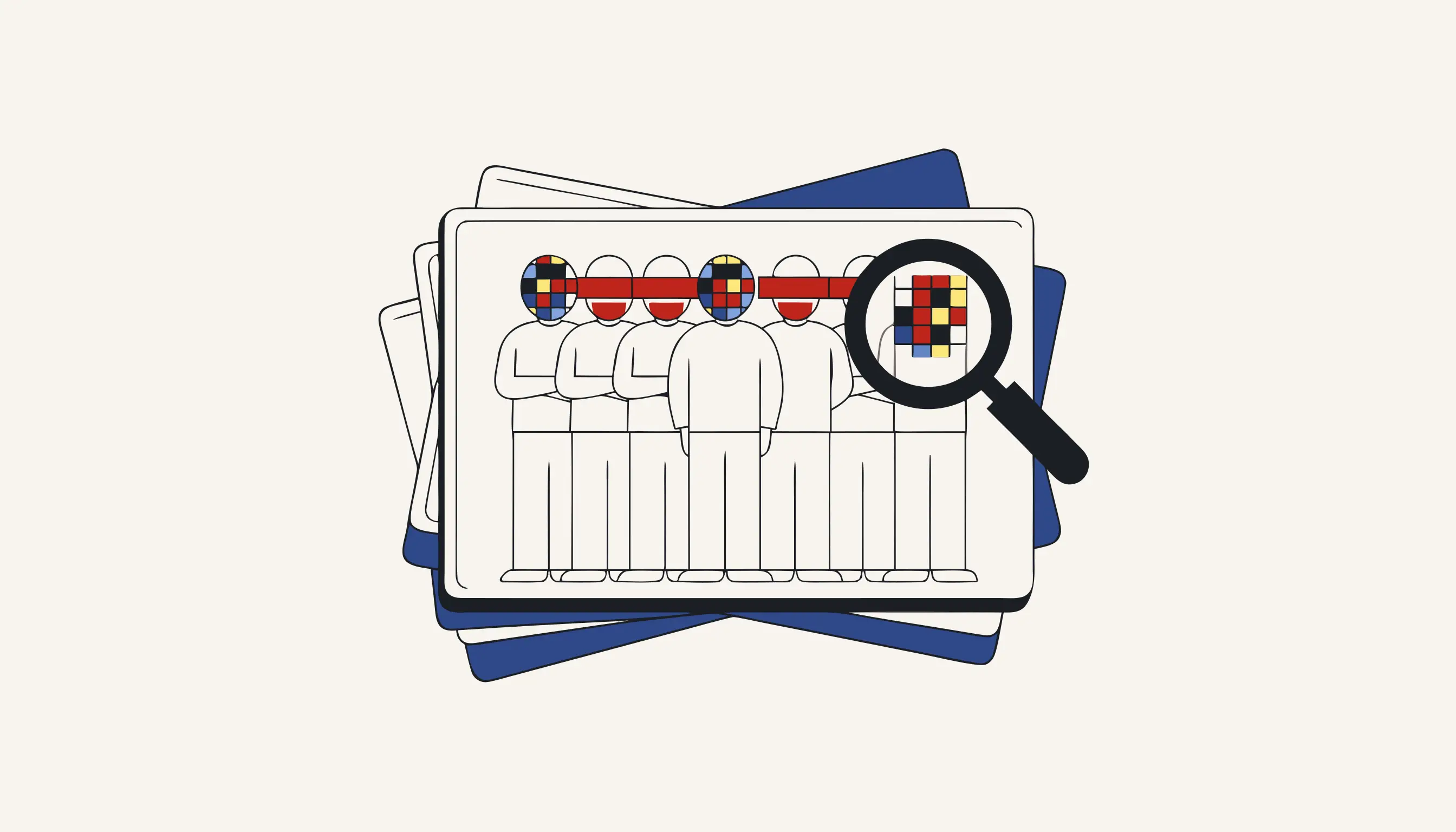
A hundred snapshots straight off the camera roll is a hundred pieces of personal data. Before that company-offsite gallery lands on LinkedIn, in the newsletter, or in the printed brochure, take the un-consented faces out of every frame. Medianonymizer ingests the whole shoot (dozens or hundreds of JPEGs and PNGs at once), finds every face across the set, and pixelates each one. The pixels are destroyed, not painted over. You can pixelate a batch right now with no account.
Why a gallery of event snapshots is personal data
Every candid group shot from the conference (the keynote crowd, the buffet queue, the trade-fair booth, the photo-booth line) is a photograph of identifiable people, and photographs of identifiable people are personal data under the GDPR. The colleagues in the foreground posed for the camera. The strangers behind them did not: a supplier at the next stall, a partner tagging along, a client's child, the couple at the reception table. None of them signed a model release, yet a public gallery, an Instagram carousel or a brochure spread publishes them all the same.
Pixelating the bystanders before the gallery goes live strips out the identifier. The people who never consented stop being identifiable in what you post, print or send round. This is a control in support of your GDPR obligation to minimise the personal data you publish, not a promise that the whole gallery is lawful, but it lifts the un-consented faces straight out of the set.
A shared gallery is a publication, not a private album
The instant an un-consented face appears in a public carousel, a newsletter or a printed handout, you are processing a stranger's personal data with no lawful basis for that individual. Emailing round a hundred consent forms after the fact is not a plan. Pixelate the bystanders before the gallery is scheduled, every single frame.
It is not just the office party
The same one-pass clean-up fits any pile of stills where strangers drift into shot. A wedding album headed for a shared drive. A school-trip or sports-day set for the parents' chat. A real-estate listing where a neighbour is caught at their window. A secondhand-marketplace photo with a passer-by reflected in the shop glass. A protest or street-photography series bound for a zine. A conference recap deck, a press kit, a fundraising leaflet. Wherever a folder of photographs is about to turn public, the un-consented faces come out first: in bulk, in one upload, in seconds per frame rather than an afternoon hunched over an editor masking each portrait by hand.
Batch pixelation: the whole shoot in one pass
Upload the entire folder at once: a camera-roll export in HEIC, a photographer's delivery of DSLR JPEGs, a zipped set of proofs, a handful of PNG screenshots, a mirrorless burst shot wide-open at a shallow aperture with creamy bokeh, panorama stitches, HDR brackets, and tethered captures straight out of a Lightroom catalog. The detector runs across every frame like a contact sheet, marks each face it catches, and pixelates them all in a single pass. You keep everything that made the shoot worth publishing: the venue, the lighting, the branded backdrop, the lanyards, the colours, the atmosphere of the day. Only the identities go, block by block. Download the cleaned set as one tidy batch and hand it to whoever runs the feed.
The difference between softening a face and deleting it decides whether the gallery is safe to post:
- A gentle blur leaves the real face sitting in the pixels beneath the haze
- A sharpen slider or an AI upscaler can lift the features back out
- The untouched original may survive in a thumbnail, an EXIF preview or the RAW
- Softened on screen is not the same as gone from the file
- Solid blocks replace the face and are flattened into a new JPEG
- No crisp original waits underneath and no preview keeps a copy
- Pinch-zoom the cleaned frame and there is simply nothing to reconstruct
- The identity is gone from the bytes, not dimmed on the display
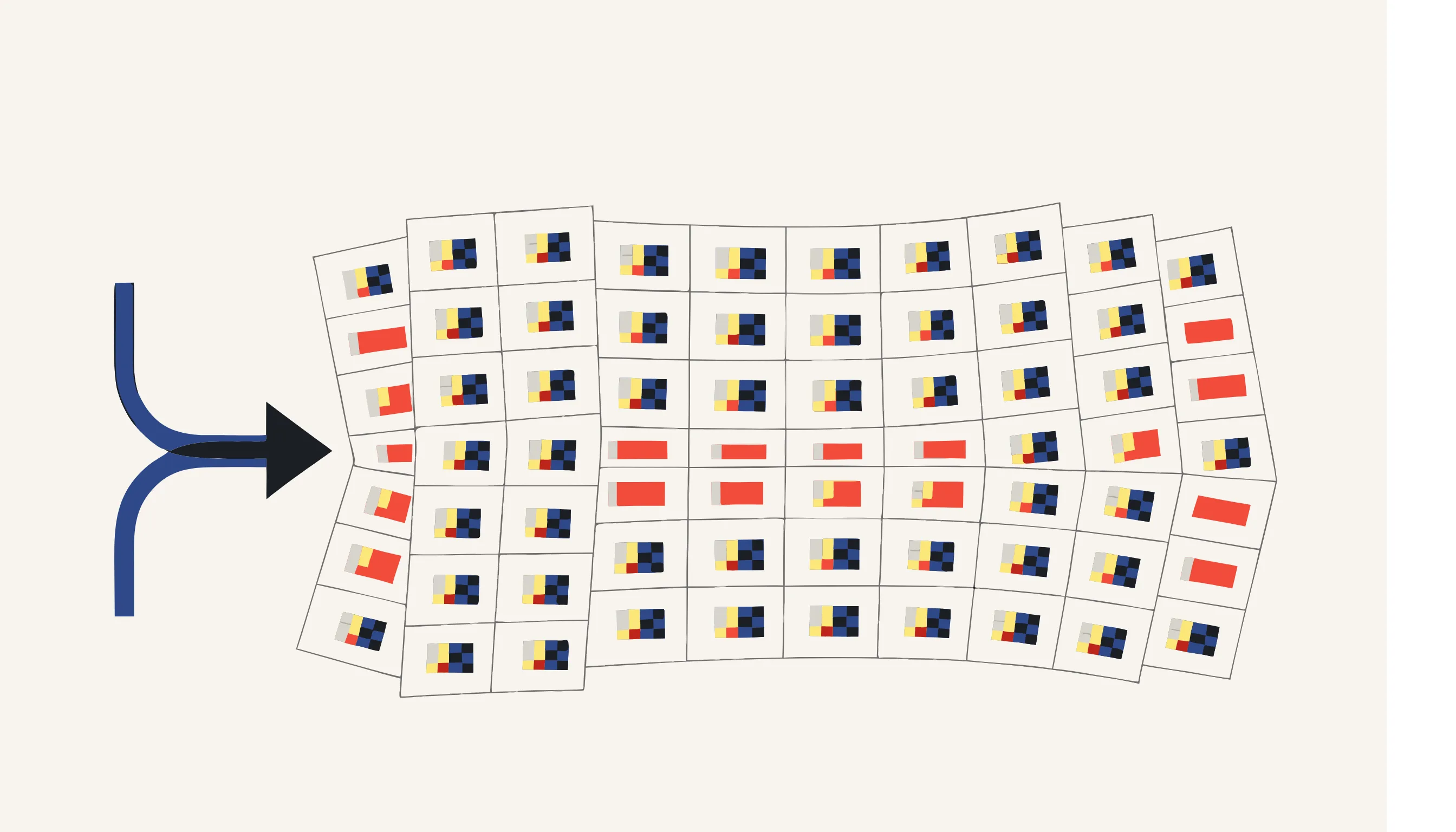
Deleted pixels, not a filter you can peel back
Open any cleaned snapshot and pinch into a pixelated face. There is no crisp portrait hiding under the blocks and no adjustment layer to switch off. The pixels that drew the face have been overwritten and flattened into a freshly encoded photo. Load it into an editor, drag every sharpen and denoise slider you like, run it through an upscaler. Nothing surfaces, because the detail is gone from the bytes rather than dimmed on the display. This is irreversible redaction: we destroy the data, we do not tape a sticker over it. Zoom in and check for yourself: that is the whole promise.
Only faces, and only the ones the detector catches
We are honest about the edges. This tool finds and pixelates human faces in still photos, nothing else. It does not read or redact number plates on a car parked in shot; that is a separate job we do not claim here. It leaves the rest of every frame untouched: outfits, name badges, signage, the branded backdrop and the colours all stay exactly as shot. A face turned away from the lens, tiny in the far background, motion-blurred, or half-hidden behind a poster on the wall may slip past the detector, so scrub through the cleaned batch before you schedule the post. What you get is honest, destructive redaction of the faces the detector catches, never a guarantee that the gallery as a whole is lawful.
The photo sets people forget to clean
Picture the albums that quietly pile up on a shared drive and then go public. The wedding album with the caterers and the band in half the frames. The graduation and school-play photos where other families fill the rows behind your kid. The estate-agent listing where the previous tenant is caught in a hallway mirror. The charity-run gallery, the conference photo-book, the product-launch lookbook, the office-move slideshow, the printed yearbook. Even one reused headshot can carry a stranger in soft focus behind the shoulder. One drag-and-drop of the whole set, one pass, and every bystander face is pixelated before the album, the book or the lookbook is anyone else's to open.
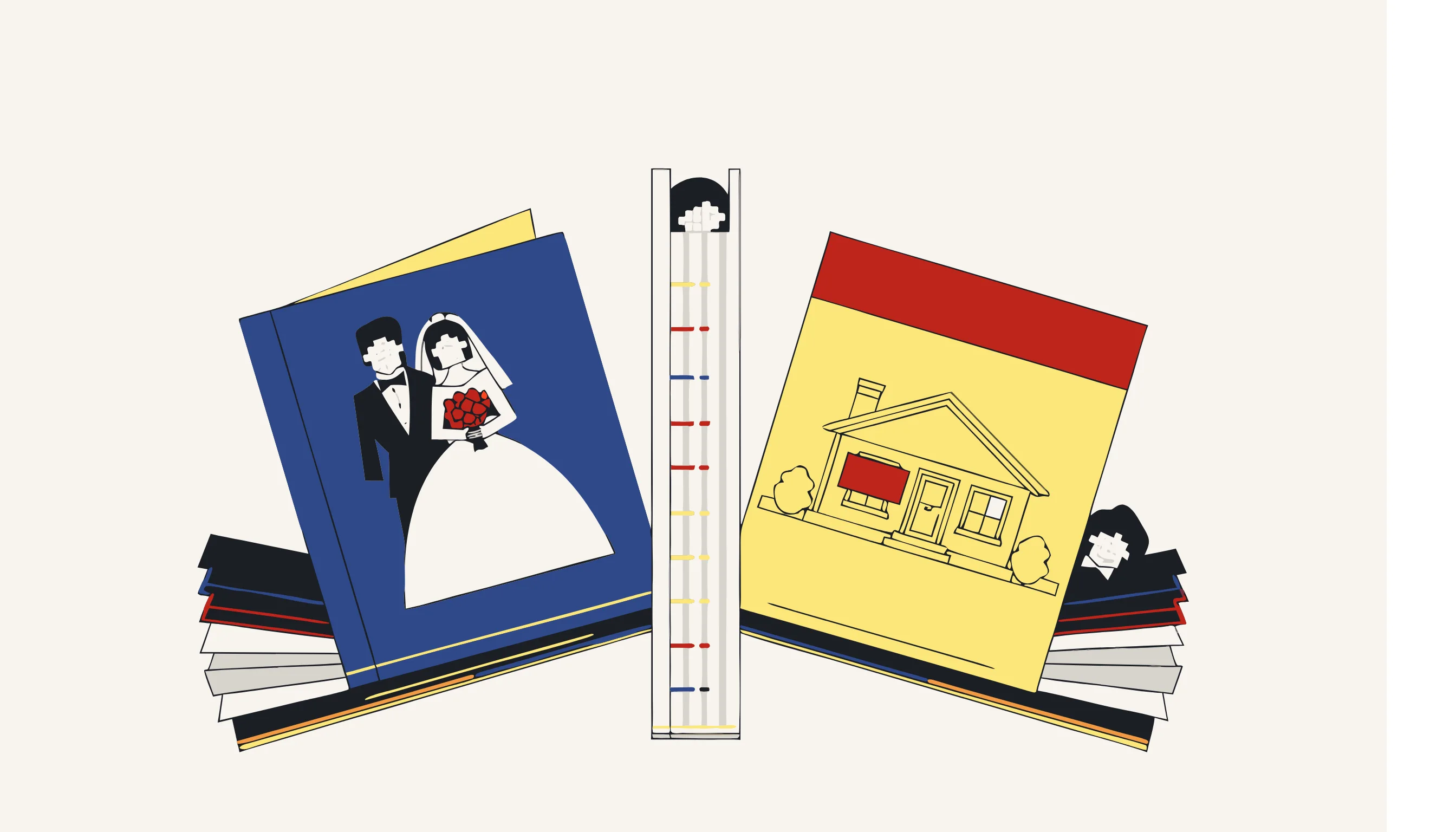
From the camera roll to the feed, cleaned in between
Slot the clean-up between the shoot and the schedule. Export the burst from the camera roll, push the whole grid through in one go, and drop the pixelated tiles straight into the social calendar, the intranet slideshow, the annual-report spread or the recap blog. No cropping around each headshot, no watermarking over a face, no rebuilding a collage by hand. Stripping the GPS coordinates and the timestamp out of the metadata is a separate concern; here the job is the faces. Whether the set is bound for a CMYK prepress spread laid out in InDesign, a monochrome contact print, or a halftone strip in the newsletter, they come out clean at whatever resolution, DPI, colour gamut and aspect ratio you shot in.
Clean your gallery now
Drop the folder in, let the detector comb every frame, confirm the price, and download the pixelated batch. Hand the gallery to marketing with the bystanders lifted out: no consent-form chase, no account, no per-file busywork. Pay only for the photos you clean.
When you need this
You have just come back from a company event with a hundred photos on your phone, and marketing wants a gallery on the website by Monday. Half the shots have bystanders in them: a partner's face, a supplier at a stall, a child brought along by a colleague, people who never signed a release. Posting the batch as-is exposes everyone who happened to walk through frame. Drop the whole folder into Medianonymizer, let it find every face across all the images at once, and pixelate them in a single pass. You keep the atmosphere of the event: the crowd, the stand, the lighting, the moment, while the individual identities are destroyed pixel by pixel. Download the cleaned set and hand it to marketing without chasing a hundred consent forms.
The compliance angle
Photographs of identifiable people are personal data under the GDPR, and a company-event gallery is a publication with no consent from the bystanders in frame. Pixelating their faces before the gallery goes live removes the identifier, so the people who never signed a release are no longer identifiable in the published set. This is a control in support of your GDPR obligation to minimise the personal data you publish; it is not a blanket guarantee that the whole gallery is lawful, but it takes the un-consented faces out of it.
What you can verify
Open any cleaned photo and zoom into a pixelated face. There is no sharp image hiding underneath and no separate layer to toggle off: the pixels that formed the face have been overwritten with blocks and re-encoded into the file. Run it through a photo editor and try to sharpen it. There is nothing to recover, because the original detail is gone from the bytes, not merely hidden on screen.
Frequently asked questions
Yes, that is exactly what this tool is for. Upload the whole folder and the detector runs across every image at once, marking and pixelating each face it finds in a single pass. You do not process the photos one by one; you clean the batch together and download the whole cleaned set.