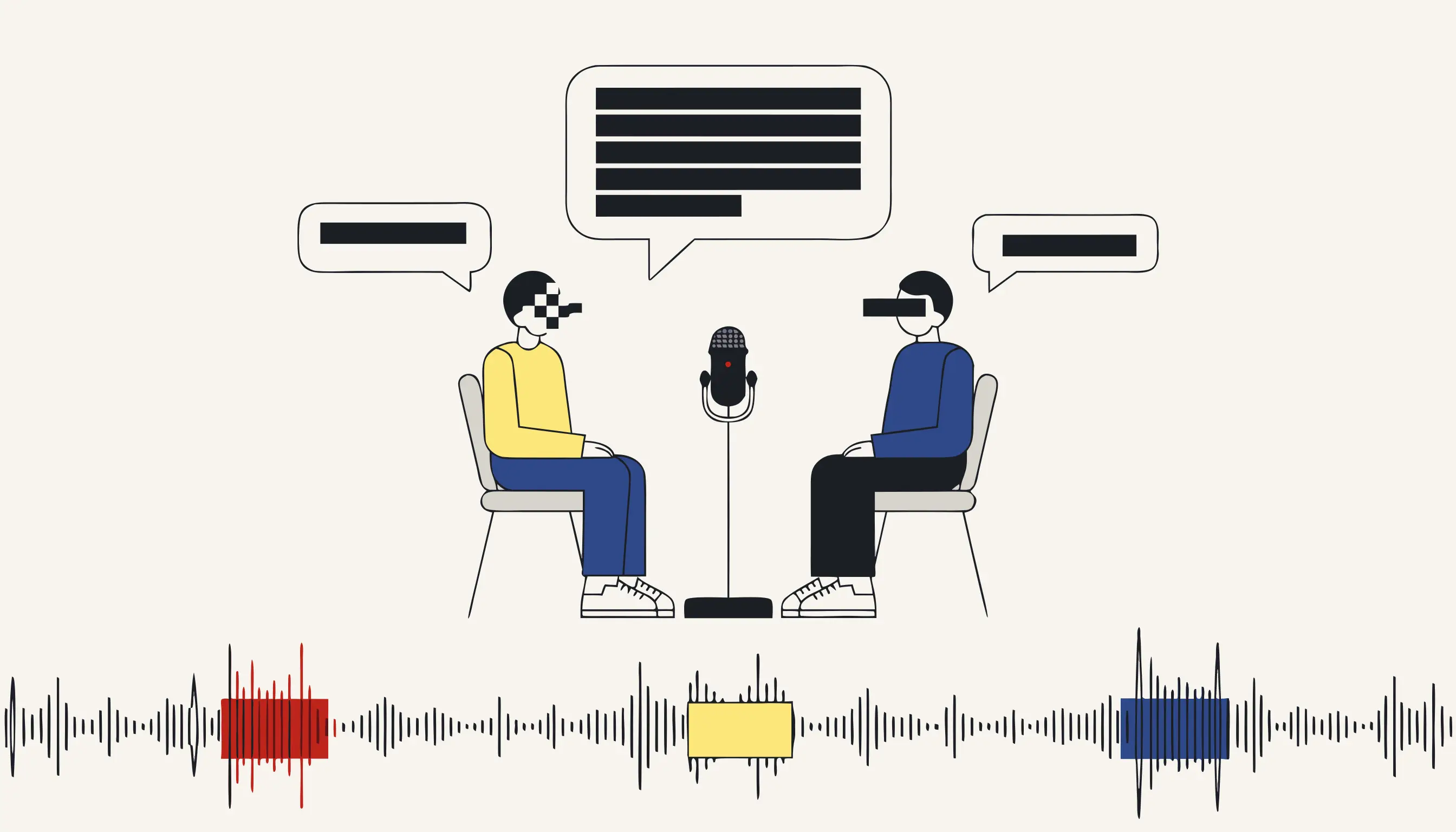
Before an interview recording leaves your study, silence the moments where a participant can be identified. A semi-structured interview is a free-flowing conversation, so a name, an employer or a hometown is never sitting in a tidy field: it surfaces mid-sentence, unprompted, buried somewhere in an hour of talk. You can anonymize an interview now with no account: upload the file, tick the categories you want gone, and download a clean MP3.
Why interview audio is full of identifiers you never asked for
You designed the study around a theme, not around a person, yet participants volunteer specifics constantly, because real people tell stories and stories have names in them. Across thirty recordings you will hear:
- Spoken names: the participant's own, but also a manager, a colleague, a family member dropped into an anecdote.
- Places that pinpoint someone: the small town they grew up in, the ward they work on, the street their office sits on.
- Contact details read aloud: an email dictated so you can send a follow-up, a mobile number, sometimes their own.
- Reference numbers: a staff ID, a case number, a national ID quoted from a document on the desk.
None of it was on your interview guide. Scrubbing it by hand means combing thirty hours of audio second by second, precisely the chore a pipeline should take off your desk so you can get back to coding your data.
From a word-level transcript to a destroyed waveform
The tool keeps the guessing and the cutting deliberately apart.
First it finds. Your upload is normalised to a clean 16 kHz mono track and transcribed with a timestamp on every word by a Whisper-class model. That transcript is the map: entity recognition marks people and places, while checksum-backed matchers pick out structured values: an email, a phone number, an IBAN or an ID number are only flagged when their format checks out, so a figure quoted loosely in conversation is left alone. The speech model never edits the audio; it only says where each word falls in time.
Then it destroys. Every flagged word is mapped back to its start and end second, a small margin is padded on either side, overlapping spans are merged so nothing slips through a gap, and ffmpeg overwrites the samples in those ranges. This half is not probabilistic: the same recording produces the same output every time you run it.
Detection is best-effort, and language matters
Finding a spoken name depends on the transcript and on the recogniser's language coverage. Personal-name recognition is strongest in Spanish and English; for interviews in German, French or Italian the model catches names only partially, so a participant's surname may slip through. Structured identifiers (email, phone, IBAN and ID numbers) are caught by format across languages. For non-Spanish/English fieldwork, add your participants' real names to the deny-list and keep a person in the loop. The destruction step is exact; the detection step is not a guarantee.
Beep or silence, and why the samples are gone for good
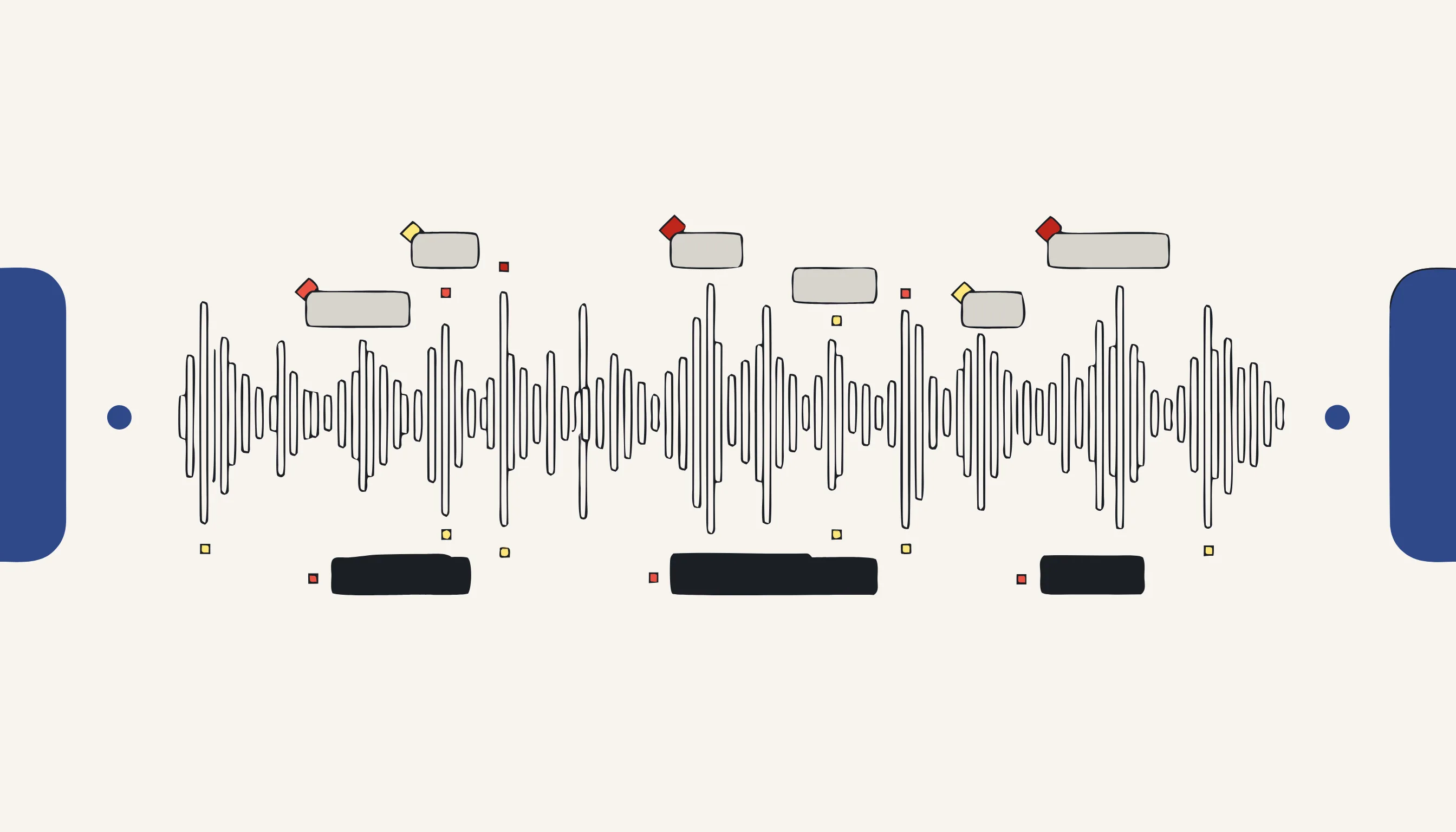
Both choices erase what was underneath; they differ only in what a later listener hears.
- Ducking the volume or muffling leaves the name recoverable
- A bleep laid on top can be lifted off to expose the speech
- The phone's metadata may still name the device or the session
- Nothing shows a listener the edit was deliberate
- The waveform in that span is set to zero; the name is gone
- A 1 kHz tone or clean silence takes its place in the same file
- The MP3 is re-encoded with every tag stripped
- The audit list stores the time range only, never the words
What the tool finds, and where you stay in control
We remove spoken names and places found by entity recognition, plus emails, phone numbers, IBANs and national ID numbers caught by format, and anything you put on the deny-list. What we will not do is pretend the pass is complete: open the returned audit list, jump to a few timestamps, and confirm the moments you remember from the room. This tool works on audio and returns audio. It does not hand you a transcript to keep, it does not touch faces in video, and it does not redact a PDF. Those are separate jobs with their own tools.
Fits the way qualitative fieldwork actually sounds
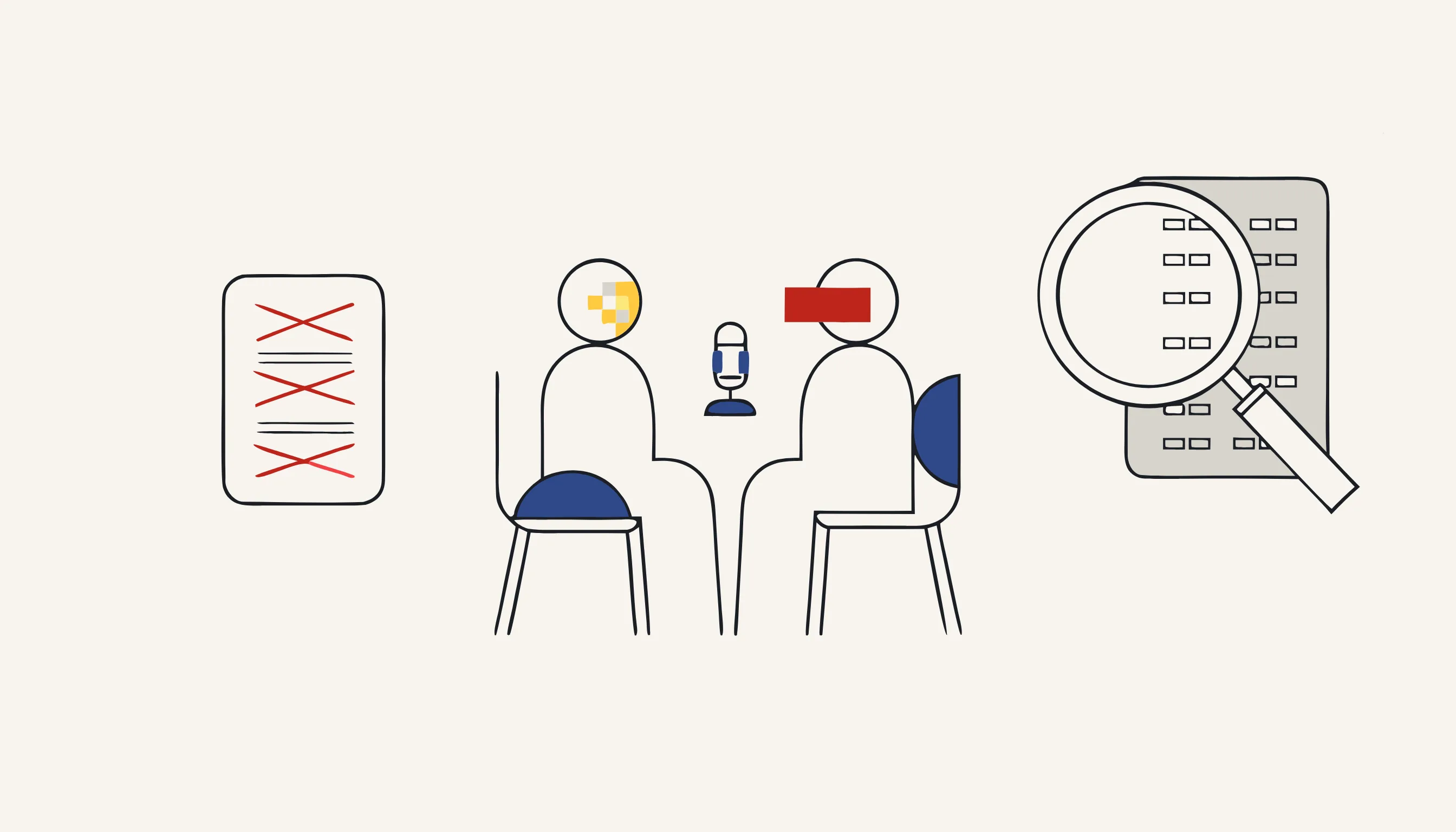
Field recordings are messy and the pipeline expects it. A phone left on the table captures both voices on one mono channel, room echo, a café in the background, the scrape of a chair. None of it derails the timing map, because the alignment is rebuilt from the words themselves, not from a clean studio signal. A participant who says their own name over your question is still pinned to the exact second they said it. Long pauses, overlapping turns and an accent the recogniser has to work at all still resolve to a timestamp the cut can use.
Anonymize an interview recording now
Upload the interview, choose whether spoken names, places and contact details become a beep or silence, add any known names to the deny-list, confirm the price, and download the clean MP3, ready for the repository, a co-author or a transcription service. The model only finds the sensitive moments; deterministic code destroys them, so the result is irreversible and identical every run. No account, pay only for what you anonymize.
When you need this
A doctoral researcher has just finished the fieldwork for a study: thirty semi-structured interviews, each an hour long, recorded on a phone. Every participant signed a consent form promising their data would be anonymised before it is archived in the university's open research repository and before the audio is sent to an external transcription service. But the recordings are full of spoken identifiers the researcher never asked for and cannot un-hear: a participant names their line manager, mentions the small town they grew up in, reads out a colleague's email, gives their own phone number so the researcher can follow up. Doing this by hand means scrubbing thirty hours of audio second by second. Upload each interview to Medianonymizer, choose the categories to remove, and the seconds where a name, an employer, a town or a contact detail are spoken are located from a word-level transcript and destroyed on the waveform, a 1 kHz beep or clean silence, before the file ever reaches the repository, a co-author or a transcriber.
The compliance angle
Under GDPR Article 89, processing personal data for scientific research carries specific safeguards and a data-minimisation duty: you must not keep identifiers you do not need. Recital 26 is the lever, truly anonymised data falls outside the Regulation entirely, so a recording with the direct identifiers destroyed can be archived and shared without the consent-withdrawal and retention obligations that follow live personal data. The consent forms most ethics boards approve promise exactly this: identifiers removed before archiving. Destroying the spoken name, employer and location in the audio is how you keep that promise instead of merely asserting it.
What you can verify
The result is checkable, not a claim. Open the returned MP3 and jump to the timestamp where the participant said their name: you hear a 1 kHz tone or silence, not the name, the original samples in that range are set to zero, not lowered and not covered by an overlay you could peel back. Inspect the file's tags with any tool and there is no ID3 metadata carried over from the phone that recorded it. The audit list records only the redacted time ranges, start and end seconds, never the words themselves, so the log cannot re-identify anyone either.
Frequently asked questions
This tool returns audio: a clean MP3 with the located identifiers destroyed and all metadata stripped. It does not hand back a transcript to keep. A word-level transcript is generated only to locate where identifiers are spoken, and the audit list it produces records time ranges, start and end seconds, never the words themselves. If you need an anonymised transcript for coding, run the cleaned audio through your transcription workflow afterwards, or use our text tool on a transcript you already hold.