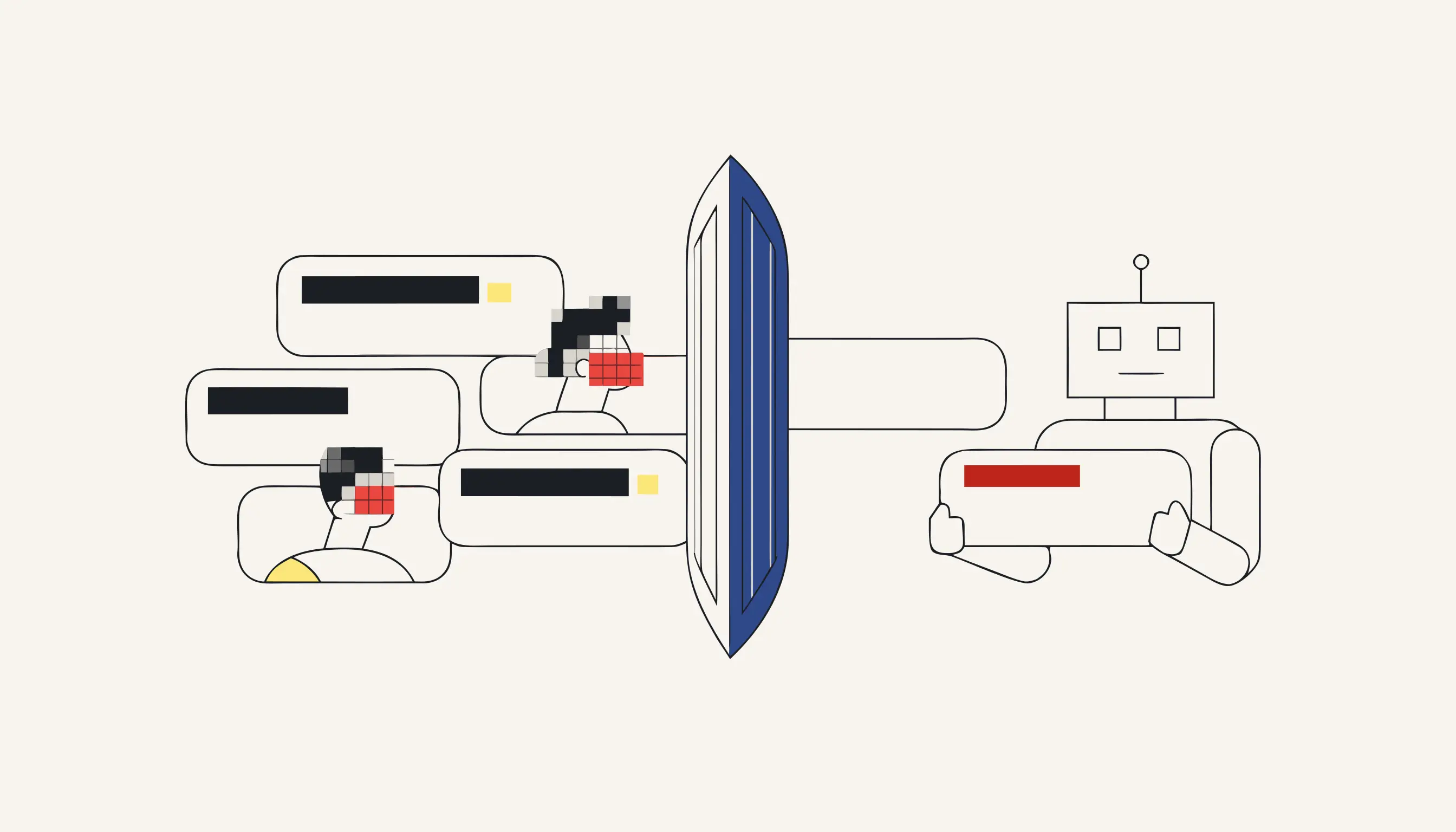
Before you paste a real prompt into ChatGPT, Claude or Gemini, take the personal data out of it. Once that text reaches a third-party model, you no longer control where it is stored, how long it is kept, or whether it is used for training. The safe move is to redact first: irreversible redaction that deletes the personal data instead of hiding it behind a layer. You can redact a prompt right now without creating an account.
Why pasting raw text into an LLM is a privacy problem
A large language model is a service operated by someone else. When you paste a customer email, a contract clause, or an internal note into the chat box, you are sending that content to infrastructure you cannot inspect. For ordinary text that is fine. For text that names a real person, lists a national ID, or includes a bank account, it is a data transfer with consequences.
The risk is not theoretical. Prompts can be logged, retained, reviewed by humans for quality, or fed back into model improvement depending on the product and the plan. None of that is acceptable when the prompt contains someone else's personal data and you have no agreement covering it.
Never paste customer data into a third-party LLM unredacted
A consumer chat tool gives you no data-processing agreement and no say over retention. The moment a name, national ID or IBAN lands in the prompt, you have handed someone else's personal data to infrastructure you cannot audit. Take the identifiers out first, every time.
What gets removed
Medianonymizer reads the text and removes the categories that identify a person:
- Names of individuals, including in the middle of a sentence.
- ID and passport numbers, matched by structure rather than a fixed list.
- Emails and phone numbers, in their common international formats.
- Postal addresses, street and city lines that locate a person.
- IBANs and bank account data used for payments.
You can also supply a deny-list of your own strings (a case reference, an internal codename, an account handle), and they are redacted in the same pass.
Covering data up versus deleting it
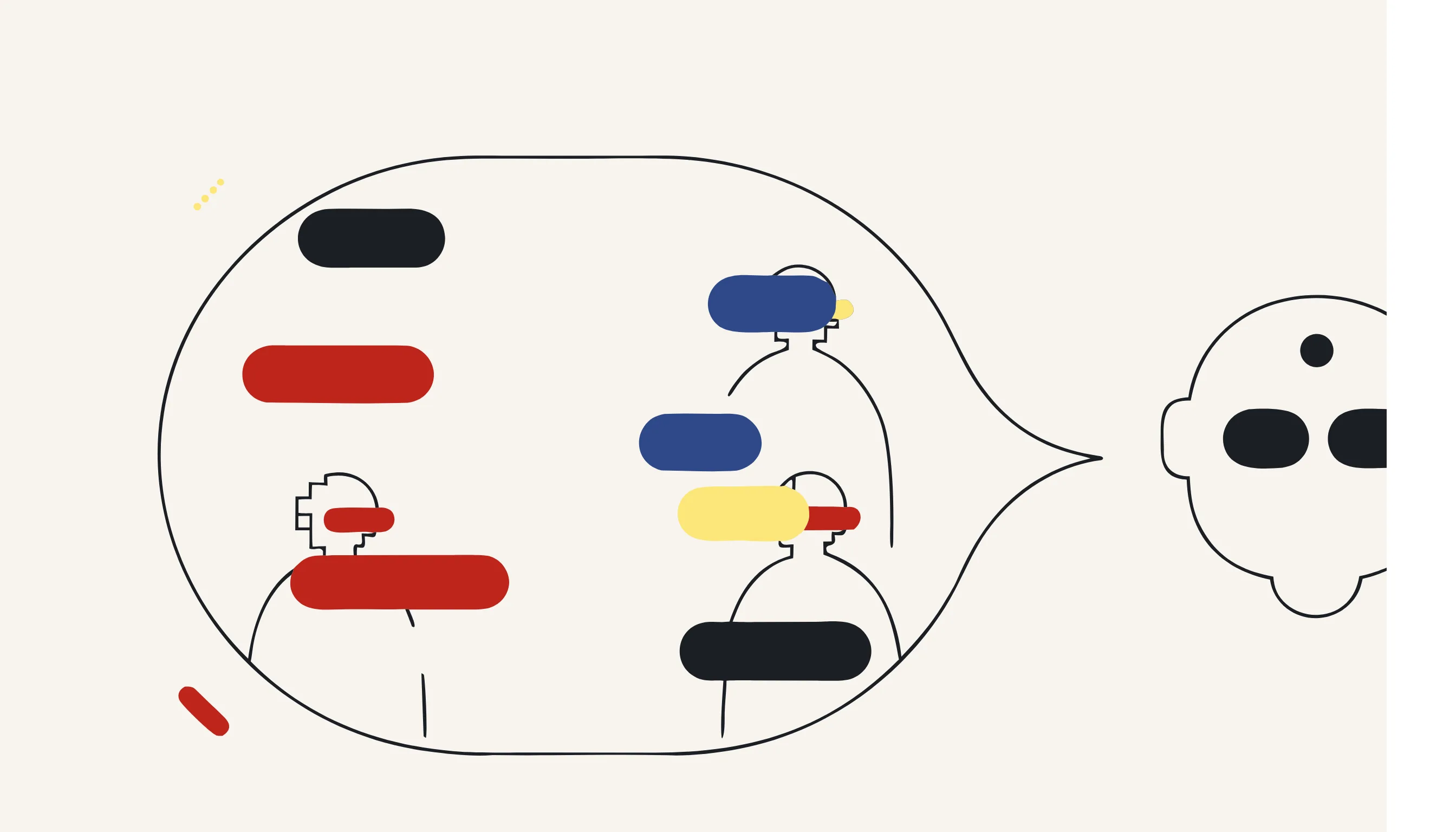
The word "redaction" hides a fork in the road. Painting over a value on screen leaves the characters in the file; rewriting the text removes them from the bytes. Only the second one is safe to send onward.
- The characters stay in the file, only hidden from view
- A highlight, box or hidden field can be peeled back
- Copy-paste or a different viewer can expose the original
- Metadata may still carry the old values
- The original characters are rewritten out of the file
- A neutral placeholder keeps the sentence readable
- No overlay to remove and no metadata to mine
- Search the output for the name or IBAN: it is gone
How it works: text in, clean text out
The pipeline is deterministic. It detects each value, replaces it with a neutral placeholder, and writes a new plain-text file. The placeholder keeps the sentence readable (a reviewer still understands that a name or an account number stood there), but the original characters are gone from the file. There is no overlay to peel back and no metadata that retains the pre-redaction text.
That last point matters. A redaction that merely paints over the data on screen, or that hides it in a comment or a hidden field, can be undone by anyone who opens the file in the right tool. Rewriting the text removes the data from the bytes themselves, which is what makes the result safe to send onward.
What we do not promise
We are honest about scope. This workflow processes text and returns anonymized text. It does not visually mark up a PDF, it does not handle scanned images, and it does not detect faces or license plates. Those are different modalities with their own tools. If your source is a plain prompt, a chat transcript, a CSV of notes, or a text export, this is the right fit.
Why scrub before the prompt reaches the model
Pasting a raw prompt into a chatbot can feed names and account numbers into a vendor's training set, its retrieval index or a future fine-tuning run, and not every tier offers zero-retention or a clean opt-out. Scrubbing the identifiers before they reach the endpoint keeps the model from ever ingesting them, whether you paste a single message or a whole few-shot exchange. The neutral placeholders survive the round trip too: the assistant reasons over the structure of your request without the underlying identities, so the answer comes back just as usable and you re-insert the real values locally afterwards.

Redact your prompt now
Paste the text or upload a text file, choose the categories to remove, confirm the price, and download the clean copy. Copy it into the model of your choice with the identities stripped out. No account, pay only for what you anonymize.
When you need this
You are a support agent drafting a reply with ChatGPT. The customer's message is full of personal data: a full name, a national ID number, a home address, a phone number and the IBAN they paid with. To get a good draft you are tempted to paste the whole message into the chat box. The moment you press enter, that personal data leaves your control and lands on a third-party model you do not operate, on infrastructure you cannot audit. Run the text through Medianonymizer first instead: paste it, redact the names, IDs, contact details and bank data, then copy the clean version into ChatGPT. The model still sees the shape of the request, a billing complaint, but never the identity behind it.
The compliance angle
Under the GDPR, pasting a customer's personal data into a third-party LLM is both a transfer and a new processing purpose. You need a lawful basis and, in most setups, a data-processing agreement with the model provider, which consumer chat tools do not give you. Removing the personal data before it ever reaches the model sidesteps the problem: there is no personal data to transfer, so there is nothing left to justify.
What you can verify
The redaction is verifiable. Open the returned .txt and search for the customer's surname or IBAN, they are gone, replaced by neutral placeholders. There is no hidden layer and no metadata holding the original values; the characters that spelled out the personal data are no longer in the file. That is the difference between deleting the data and merely covering it on screen.
Frequently asked questions
No. The redaction rewrites the text itself: each detected value is replaced by a neutral placeholder and a new file is written. There is no hidden original underneath and no metadata that stores the pre-redaction characters. If you search the returned .txt for the original name, ID or IBAN, it simply is not there. This is irreversible redaction, we delete the data, we do not cover it up.