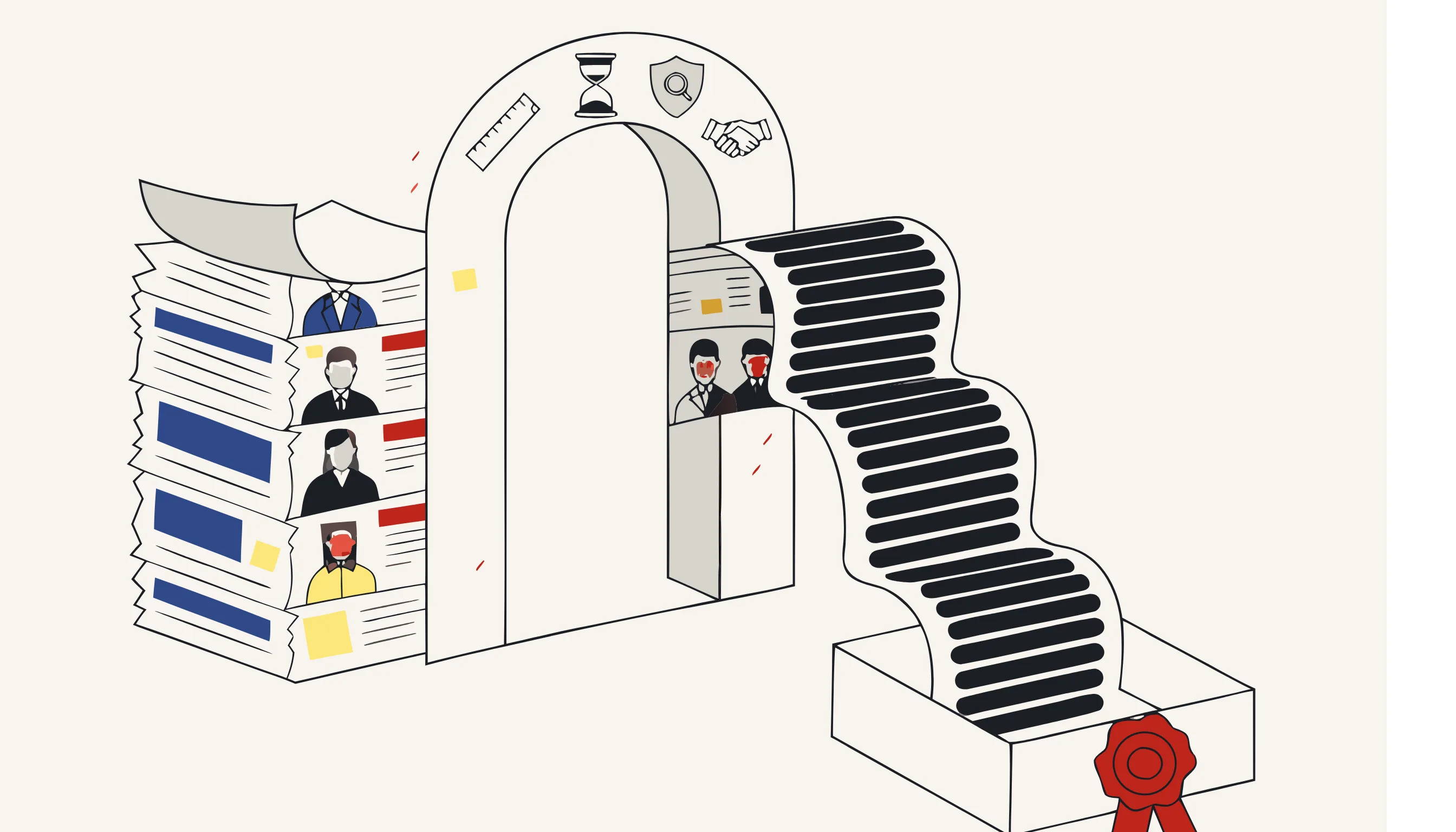
Every enterprise sits on a mountain of documents that contain personal data: contracts, HR files, invoices, support tickets, medical forms, legal disclosures. When you need to share those documents with a vendor, feed them into an analytics pipeline, or simply keep them past their useful life, the personal data inside becomes a liability. Under the GDPR, holding identifiable data longer than necessary, or exposing it to parties who don't need it, is exactly the kind of risk regulators penalize.
The instinct is to "redact a few things and move on." But ad-hoc redaction doesn't scale across teams, and it rarely survives an audit. What enterprises actually need is a repeatable, auditable anonymization workflow: one process that any team can follow, that produces consistent results, and that you can defend to a Data Protection Officer or a supervisory authority. This guide shows how to build it.
TL;DR
- GDPR-grade document anonymization means irreversibly removing personal data from files (destroying text and stripping metadata) so the document leaves the scope of the regulation.
- A defensible enterprise workflow is built on four pillars: data minimization, retention discipline, DPIA touchpoints, and vendor due diligence.
- Separate the two jobs: AI locates sensitive data; deterministic code removes it (true text deletion, regex + checksum for identifiers, metadata stripping). That separation is what makes the result auditable and repeatable.
- You can anonymize a document right now: upload it, choose what to remove, and download a clean, irreversible copy without an account.
Why anonymization beats "just keeping the data secure"
Encryption, access controls and pseudonymization all reduce risk, but they don't take a document out of scope. As long as the personal data exists somewhere (behind a key, a token table, or a permission), it is still personal data under the GDPR, and every obligation still applies: lawful basis, retention limits, subject access requests, breach notification.
Anonymization is different. When you genuinely remove the personal data, the resulting document is no longer "personal data" at all. Recital 26 of the GDPR is explicit that the regulation does not apply to anonymous information. That is the whole point: an anonymized contract can be archived indefinitely, shared with a third party, or used to train an internal model, because there is nothing left to protect.
The catch is that anonymization is only valid if it is irreversible. This is where most enterprise workflows quietly fail.
Redaction theatre vs. real anonymization
| Approach | What it does | GDPR status |
|---|---|---|
| Black boxes drawn in a PDF viewer | Adds a visual layer; text remains underneath | Not anonymized: data recoverable |
| Highlighting in white / changing font color | Hides text visually only | Not anonymized: trivially reversible |
| Pseudonymization (tokenized identifiers) | Swaps names for reversible tokens | Still in scope: key restores data |
| True text deletion + metadata stripping | Destroys the underlying content | Anonymized: out of scope |
If your "redaction" can be undone by copy-pasting, selecting all, or opening the file in another tool, it was never anonymization. See irreversible, auditable anonymization best practices for the technical detail on doing this correctly.
Pillar 1: Data minimization by default
Data minimization (Article 5(1)(c)) says you should only process the personal data you actually need. In a document workflow, that translates to a simple rule: strip everything that isn't required for the purpose at hand.
Concretely, that means deciding, per document type, what the minimum viable version looks like:
- An invoice shared with an external accountant rarely needs the customer's full home address; the company name and amounts are enough.
- A support transcript used for QA needs the issue, not the caller's card number or national ID.
- An HR file shared with a benefits provider needs employment dates, not the employee's medical history.
The practical move is to define minimization profiles once, then apply them consistently. For each document category, list the fields that must survive and treat everything else as a candidate for removal. This is far more defensible than asking individuals to decide, case by case, what to black out.
What to remove from documents
A complete document anonymization pass covers more than visible text:
- Names of people (employees, customers, third parties)
- Contact details: emails, phone numbers, addresses
- Structured identifiers: national IDs, tax numbers, IBANs, card numbers
- Dates of birth and other indirect identifiers that enable re-identification
- Signatures and handwritten annotations
- File metadata: author, organization, edit history, GPS data embedded in images
- Hidden content: tracked changes, comments, hidden columns, embedded thumbnails
That last group is where leaks happen. A "redacted" Word document with tracked changes still on, or a PDF with author metadata intact, defeats the entire exercise. The same care applies across media. The principles carry over to images and their metadata and to documents with PII redaction.
Pillar 2: Retention discipline
Storage limitation (Article 5(1)(e)) says personal data should not be kept longer than necessary. Anonymization is the cleanest exit from a retention obligation: instead of deleting a document you might still need, you keep the useful content and remove the personal data.
Build retention into the workflow rather than bolting it on:
- At ingestion, tag every document with its category, lawful basis, and retention period.
- Before the clock runs out, route documents to anonymization rather than deletion where the non-personal content still has value (analytics, audit history, training data).
- After anonymization, securely dispose of the original. The anonymized copy is no longer subject to retention limits because it is no longer personal data.
The key discipline is that the original is destroyed, not archived "just in case." An anonymized copy plus a retained original is the worst of both worlds: you carry all the risk of the original with none of the benefit of the clean version.
Pillar 3: DPIA touchpoints
A Data Protection Impact Assessment (Article 35) is required when processing is likely to result in high risk: large-scale processing, sensitive categories, systematic monitoring. Anonymization shows up in a DPIA in two ways, and both should be explicit.
As a risk-reduction measure. When you document the risks of a processing activity, anonymization is one of the strongest mitigations you can name. "Documents are anonymized before being shared with the vendor" is a concrete, defensible control that lowers the residual risk score.
As a processing activity in its own right. The act of anonymizing (feeding documents into a tool, especially a third-party one) is itself processing of personal data and deserves its own scrutiny. Where does the data go? Who can see it? Is the removal verifiable?
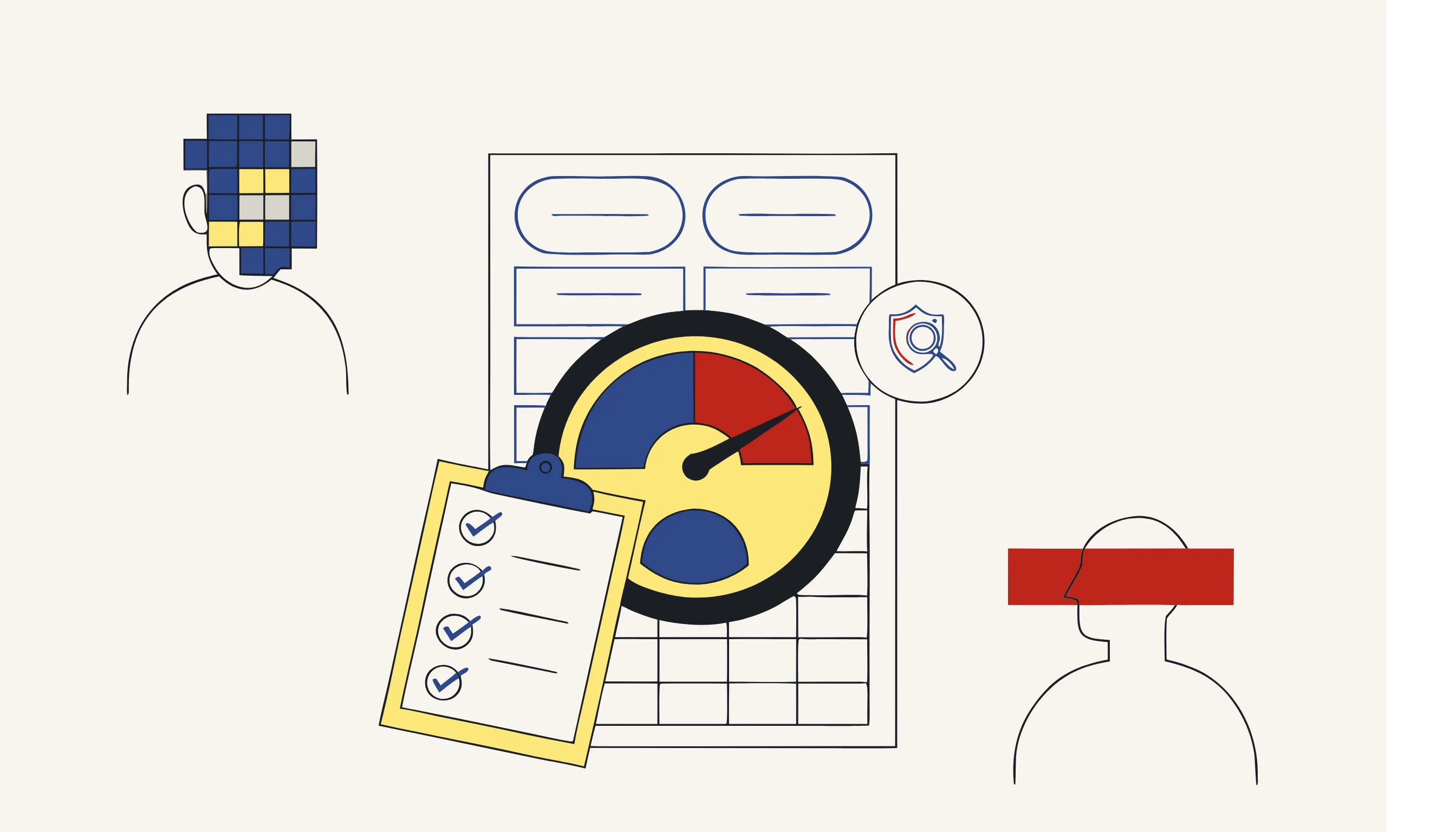
DPIA checklist for an anonymization workflow
- Identify which document categories trigger a DPIA (sensitive data, scale, profiling).
- Record anonymization as a mitigation in the relevant DPIAs.
- Assess the anonymization tool itself: processing location, retention, sub-processors.
- Confirm the output is irreversible; a DPIA that relies on reversible "redaction" is built on sand.
- Define how anonymization quality is verified (automated detection plus human spot-check).
- Re-review when the workflow, vendor, or data categories change.
Pillar 4: Vendor due diligence
If you use a third party to anonymize documents, that vendor is processing personal data on your behalf, which means a data processing agreement, and real due diligence. The questions that matter aren't marketing claims; they're architectural.
| Due-diligence question | Why it matters | Good answer looks like |
|---|---|---|
| Where is data processed and stored? | Cross-border transfers and residency obligations | Clear region; no surprise sub-processors |
| How long are files retained? | Every retained copy is your liability | Deleted after processing; you control timing |
| How is sensitive data removed? | AI alone is non-deterministic and can miss items | Deterministic removal after AI detection |
| Is the result irreversible? | Reversible output keeps you in scope | Text destroyed, metadata stripped, no hidden layer |
| Is there an audit trail? | Accountability (Article 5(2)) | Per-document log of what was removed |
A vendor that hands the entire file to a generative model and returns "an anonymized version" should raise a flag. Generative editing is non-deterministic: run it twice, get two results, with no guarantee every identifier was caught. The reliable pattern (and the one worth demanding) is that AI only locates sensitive data, and deterministic code removes it. This is how Medianonymizer approaches every media type: the model points at sensitive data; plain code does the destruction, the same way every time.
How the locate-then-remove pattern works on documents
The same two-step separation that makes audio and video anonymization trustworthy applies to documents:
-
Locate. AI reads the document and flags candidates: named-entity recognition finds people, organizations and locations; pattern rules with checksum validation catch structured identifiers (so a real IBAN is flagged but a random number in a clause is not). This stage produces only a map of what to remove. Nothing is changed yet.
-
Remove. Deterministic code acts on that map: it deletes the underlying text (not a visual overlay), strips document metadata, and clears hidden content. Because the operation is a direct edit on the file's content, the original data in those locations is gone; there is no key, no hidden track, nothing to recover.
This is what makes the workflow both auditable (you can log exactly which ranges and fields were removed) and repeatable (the deterministic step produces the same output every run). It is the difference between anonymization and pseudonymization, and it is what takes a document out of GDPR scope.
A repeatable enterprise workflow
Putting the four pillars together, a defensible cross-team process looks like this:
- Classify the document and select a minimization profile (what must survive).
- Locate personal data with AI detection (NER + pattern rules with checksums).
- Remove deterministically: destroy text, strip metadata, clear hidden content.
- Verify with automated detection plus a human spot-check.
- Log what was removed per document for your audit trail.
- Dispose of the original securely; keep only the anonymized copy.
- Review the workflow at DPIA checkpoints and whenever the vendor or data scope changes.
The win for an enterprise is consistency. When every team follows the same locate-then-remove process with the same profiles, you stop relying on individual judgment and start producing results you can actually defend. For the broader compliance picture across media types, see data anonymization for enterprise compliance.
CTA
You don't need to build this pipeline from scratch to start. Upload a document, tell the assistant what to remove, and download a clean copy where personal data is genuinely deleted and metadata is stripped, irreversibly, and with a clear record of what was removed.
Frequently asked questions
GDPR does not mandate anonymization specifically, but it requires data minimization and storage limitation. Anonymizing documents is the cleanest way to satisfy both, once personal data is truly removed, the document falls outside the scope of the regulation entirely, so retention and access rules no longer apply to it.