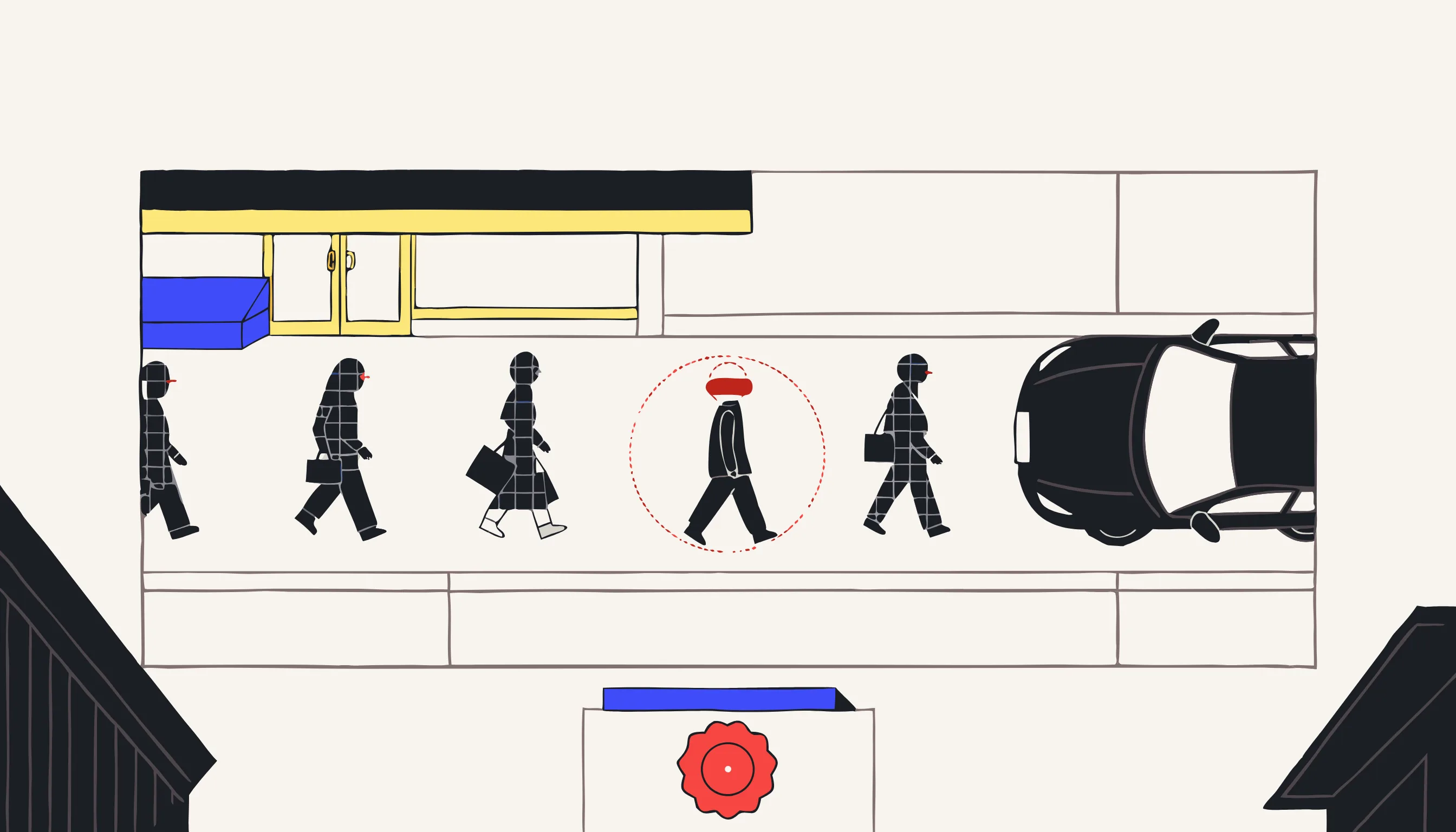
Fleet dash cams generate more identifiable footage per week than most compliance teams realize. A road-facing camera on a single delivery van captures dozens of pedestrian faces and license plates on an average shift. A driver-facing camera adds the driver's own face, voice, and in-cab conversation. Multiply that across a fleet of twenty, fifty, or two hundred vehicles, and you have a continuous stream of personal data that eventually has to leave the vehicle: to an insurer, an HR file, a training library, or a marketing reel.
This guide is for fleet managers, logistics and delivery operators, field-service teams, and driver-training leads who need a working answer to one question: how do you redact this footage before you share it, without redaction becoming a full-time job?
Disclaimer: This content is for general informational purposes only and does not constitute legal advice. Consult a qualified legal or data protection professional for your specific fleet and jurisdiction.
TL;DR
- Fleet dash cam footage is personal data (bystander faces, license plates, and the driver's own face and voice), and sharing it outside the incident-review circle generally requires redaction first.
- General-purpose video editors do not scale to fleet volume. Manually tracking every face and plate across dozens of clips a week is a throughput problem, not an editing task, and a missed frame is a disclosure.
- What actually works is automated detection plus irreversible, baked-in redaction: faces and plates found automatically, pixels re-encoded so nothing is recoverable, audio handled separately.
- Occasional fleet clips fit a pay-per-file tool; continuous, always-on telematics pipelines need an API or enterprise integration instead. For everything else, anonymize dashcam footage directly.
When redaction becomes non-optional
Most fleet footage never leaves the vehicle's local storage. It loops and overwrites on its own. Redaction becomes a practical requirement the moment a clip needs to travel:
- Insurance claims. After a collision or near-miss, you send the relevant clip to an insurer or the other party's insurer. Bystander faces and third-party plates that have nothing to do with the claim are typically not needed by the insurer and are safest redacted before you send anything you don't have to.
- Driver coaching and training libraries. A near-miss clip used to teach safe following distance to other drivers doesn't need the face of the pedestrian who happened to be crossing, or the plate of the car in the next lane.
- Marketing and recruiting content. Dash cam footage repurposed into a "day in the life" recruiting video or a safety-brand campaign is public disclosure, and bystanders and other drivers never consented to appear in it.
- Subject access requests. A driver, or someone filmed by the camera, has the right to ask what data you hold about them. Producing a clip in response usually means redacting everyone in it who isn't the requester.
- Cross-border transfers. Sending footage to a parent company, an outsourced training vendor, or an offshore support team outside the EU/UK adds an international transfer on top of the disclosure itself.
Driver-facing cameras carry an extra layer worth flagging at a general level: they record an employee at work, which makes them a form of employee monitoring. Several EU countries expect consultation with works councils or staff representatives, proportionate use, and clear driver notice before that kind of continuous recording goes into effect. Build that into the rollout, not as an afterthought once footage is already being shared.
Why "just use a video editor" collapses at fleet scale
If you search for the best video editing platform for fleet video redaction, the honest answer is that the premise is the problem. A video editor is built to place a mask, track it across a shot, and let a human adjust the keyframes when the tracker drifts. That works for a single clip with one or two subjects to hide. It does not work as a fleet workflow, for three concrete reasons.
Volume. A modest fleet produces dozens of dash cam clips a week once you count incidents, coaching pulls, and routine footage requests. Each clip can contain a dozen or more faces and plates. Manually placing and tracking a mask for every one of them, clip after clip, week after week, is not a task you scale with a better editor: it's a task you scale by removing the manual step entirely.
Motion. Faces and plates in road-facing footage don't sit still. They enter frame, cross it at driving speed, get partially occluded by other vehicles, and leave, often within a couple of seconds. A tracked mask that drifts for even a handful of frames leaves a moment where the original pixels are visible. In a fleet context, that's not a cosmetic glitch. It's a disclosure of personal data that happened inside a tool that was never designed to guarantee it wouldn't.
Purpose. Editors are built for storytelling (cutting, grading, compositing), not for proving that a specific category of data was found and removed everywhere it appeared. There's no detection model behind a manual mask, no audit record, and no guarantee of coverage. For a one-off creative edit that's irrelevant. For compliance, it's the whole point.
None of this means editors are bad tools: see our comparison of video redaction software for how purpose-built options differ from general editing suites. It means the question itself points at the wrong category of tool. What fleets need is automated detection with redaction as the output, not editing software with redaction as a manual technique.
What a fleet redaction workflow actually needs
Strip away the marketing language and a fleet-grade redaction workflow needs six things:
- Automatic detection of faces and plates across the full clip. Not a single frame, not a sample: every frame, including the ones with motion blur, an oblique angle, or low light, since that's most of what a moving dash cam actually records.
- Irreversible, baked-in output. The blur or pixelation has to be re-encoded into the video itself, not layered on top as an overlay you could toggle off. A removable mask is concealment, not redaction, and it does not meet a genuine anonymization standard.
- Audio handling for in-cab speech. Driver-facing cameras and some road-facing units record audio. A driver naming a customer, an address, or another driver on a recorded call is spoken personal data just as much as a face is visual personal data, and it needs its own beep-or-silence treatment. See our guide to redacting PII in call recordings for the audio side of this problem specifically.
- Batch throughput. A workflow that processes one clip at a time, with a person watching each one finish before starting the next, doesn't survive a busy week. Uploading a batch and walking away is the difference between redaction as a habit and redaction as a bottleneck.
- Predictable per-file cost. Budgeting for redaction is easier when the price is per file or per minute and known up front, rather than a quote you have to chase down before you can process a single urgent claim.
- An audit trail. Being able to show what was detected and redacted in a given clip matters when an insurer, a driver, or a regulator asks what happened to the footage before it was shared.
The pragmatic tiering: occasional clips vs. continuous pipelines
Not every fleet needs the same setup, and being honest about that split saves you from over-buying or under-provisioning.
If you're handling a few dozen clips a month (the realistic volume for most SMB fleets responding to incidents, pulling coaching clips, or producing the occasional marketing video), a pay-per-file web tool is the right fit. With Medianonymizer, you upload a clip, review the automatically detected faces and plates in a preview before committing, and get back a version with pixelation baked into the re-encoded video. Pricing starts at €4.99 per video, there's no account or subscription required, batch upload is supported for handling several clips in one pass, and a single file can run up to roughly two hours at 4K. It's built for exactly the "I have footage that needs to go out today" moment, not for a permanent, always-on integration.
If you're running a continuous, high-volume telematics pipeline (footage flowing automatically off hundreds of vehicles into a training or archival system without a human uploading each file), you need something that plugs directly into that pipeline via an API, or an enterprise vendor built around integrated telematics ingestion. Medianonymizer doesn't process live streams or integrate with telematics platforms today; API and enterprise access is available on a contact-us basis for teams that want to explore it. If you're already committed to an always-on pipeline, it's worth looking specifically at vendors built around that integration model rather than forcing a per-file tool into a role it wasn't designed for.
Knowing which of these two you actually are (occasional-clip or continuous-pipeline) is most of the decision. Most fleets, especially outside of large logistics operators with dedicated telematics infrastructure, are the former.
Quick compliance hygiene checklist for fleets
Redaction solves the sharing problem. A few adjacent habits keep the rest of the footage lifecycle defensible:
- Set a defined retention limit for routine footage and stick to it: most fleets don't need weeks of non-incident driving footage sitting in storage.
- Give drivers and, where footage covers public areas, visible notice that recording is in use.
- Have a written procedure for handling a request (from a driver, a bystander, or a regulator) for footage that includes them.
- Redact faces and plates before any clip leaves the small group of people handling the original incident, coaching review, or claim.
- Keep unredacted originals access-controlled and separate from redacted copies used for sharing.
Start redacting fleet footage
If you have dash cam clips that need to go to an insurer, into a training library, or out for marketing, and you'd rather not hand-track masks across every face and plate in every clip, upload them to the dashcam anonymizer. You'll see the detected faces and plates in a preview before you commit, and the output is redacted in the pixels, not just on the surface. For the legal groundwork on dash cams specifically, see Are Dashcams Legal Under GDPR?
Frequently asked questions
Yes, in almost every case. Road-facing footage captures bystander faces and license plates, both of which are personal data because they can identify a person, directly or via a vehicle register. Driver-facing footage adds the driver's own face, voice, and behaviour, which is also personal data and, in an employment context, employee monitoring. Any fleet operator recording public roads is a data controller under GDPR, regardless of company size.