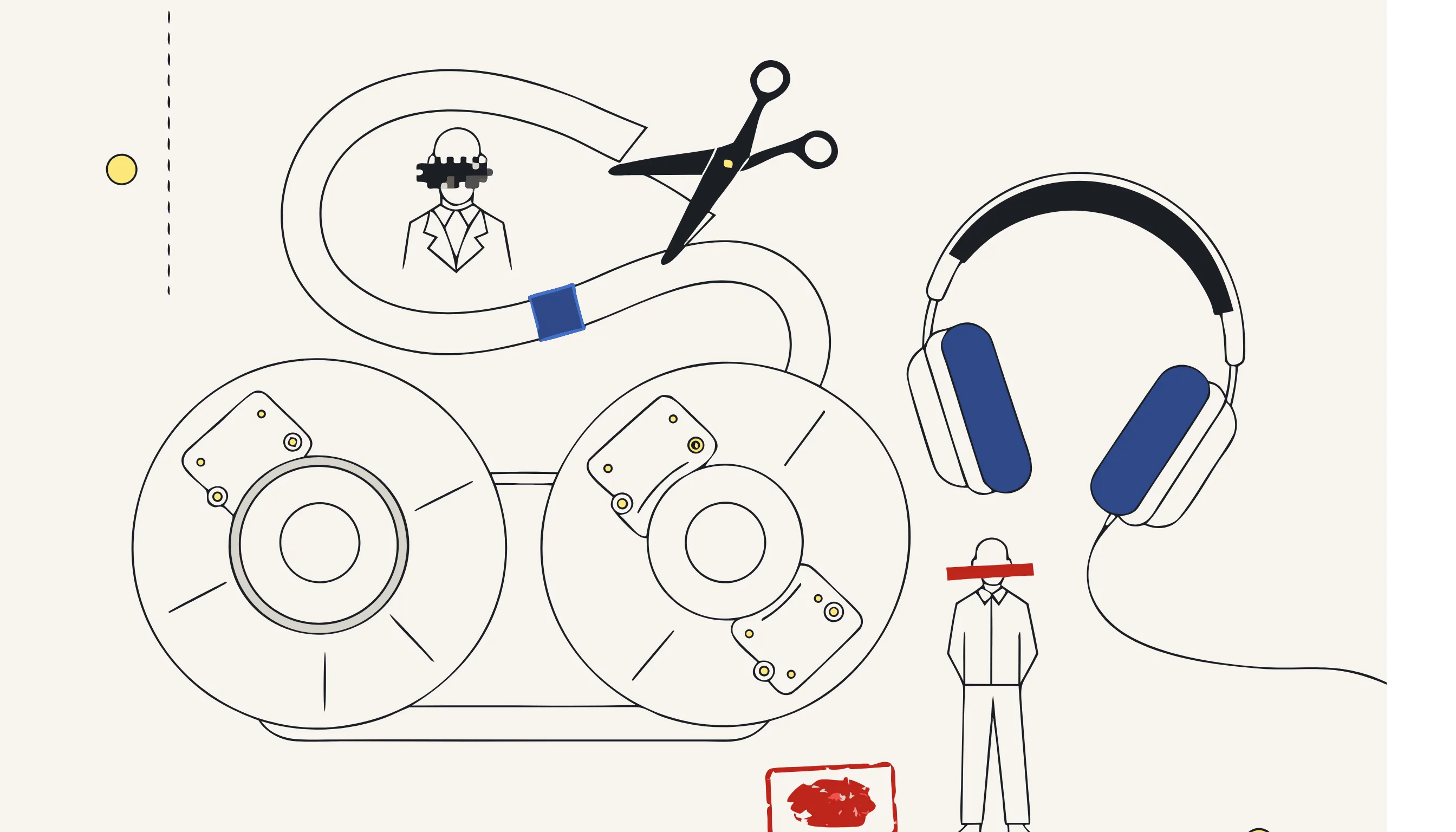
Audio is one of the hardest media types to anonymize well. A single customer-support call can contain names, phone numbers, card numbers, addresses and account IDs, all spoken naturally, scattered across minutes of conversation. Redact too little and you leak personal data; redact too much and the recording becomes useless for training, analytics or evidence.
This guide explains how to anonymize audio recordings properly: what "anonymization" actually means for sound, how to find sensitive moments precisely, and how to remove them in a way that is irreversible, auditable and compliant.
TL;DR
- Anonymizing audio means removing spoken personal data (PII) from a recording (names, numbers, addresses) by replacing those segments with a beep or silence.
- The reliable approach is two steps: locate sensitive moments (via transcription with timestamps), then redact them deterministically on the waveform.
- Done correctly, audio anonymization is irreversible: the underlying sound is destroyed, not hidden, so the data cannot be recovered.
- You can anonymize an audio file right now without an account: upload, choose what to redact, and download the result.
What "anonymizing audio" actually means
Anonymization is not the same as turning down the volume or muffling a voice. For audio, anonymization means identifying every spoken piece of personal data and destroying it in the recording so that it cannot be recovered.
There are two distinct jobs hiding inside that sentence:
- Locating the sensitive information: knowing where in the timeline a name or number is spoken.
- Removing it: replacing that exact time range with a beep or silence.
Confusing these two steps is the most common mistake. The "locating" part benefits from AI (speech-to-text and entity recognition). The "removing" part should never be left to a model. It must be deterministic code that operates on precise timestamps, because that is what makes the result reproducible and trustworthy.
Step 1: Locate sensitive speech with a timestamped transcript
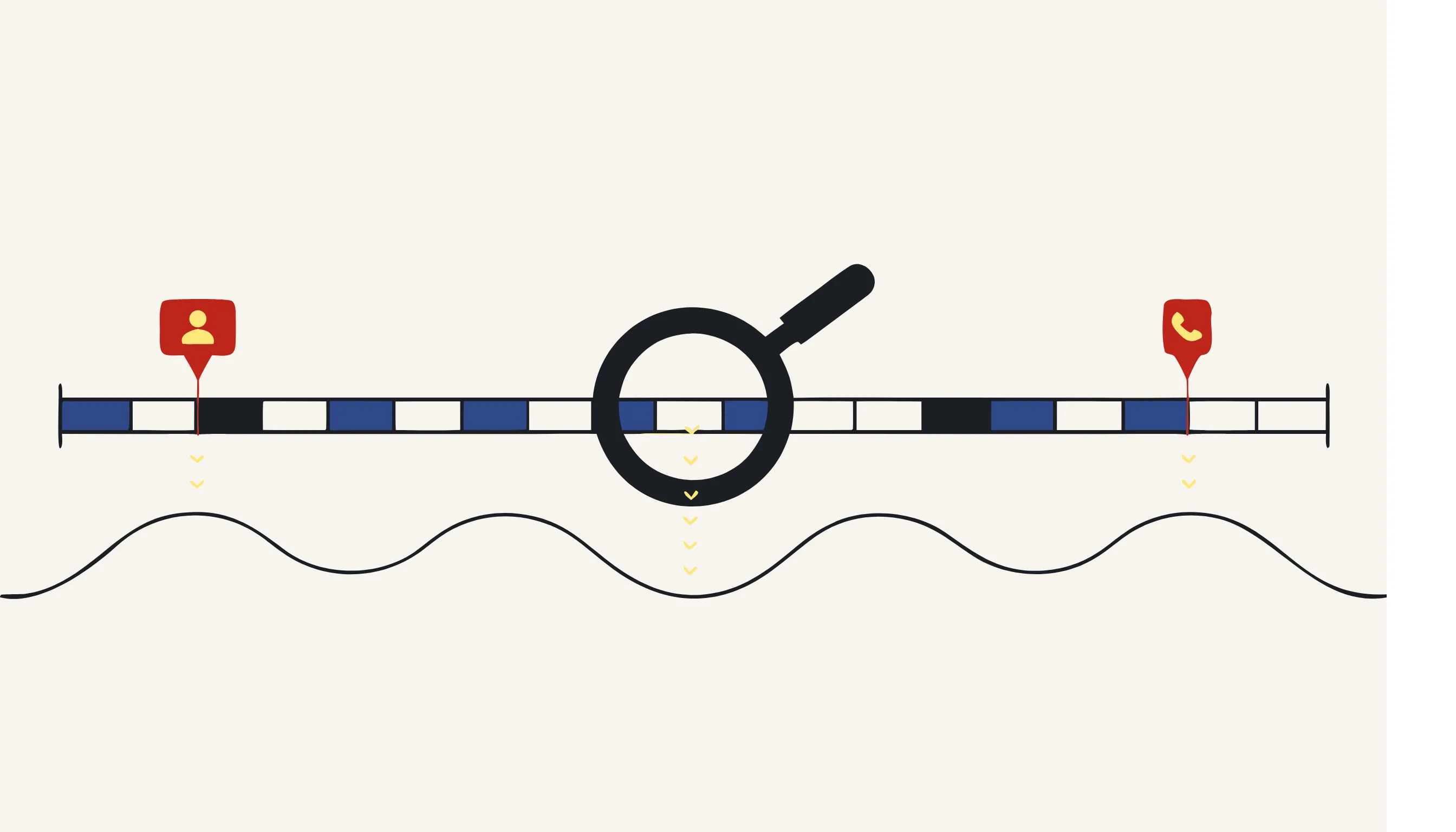
You can't redact what you can't find. The first step is to produce a transcript that includes word-level timestamps. Modern speech-to-text models (such as WhisperX-style aligners) output not just the text but the start and end time of every word.
With that transcript, you detect personal data using named-entity recognition (NER) and pattern rules:
- Names and entities → NER models flag people, organizations and locations.
- Structured identifiers → phone numbers, card numbers, IBANs and national IDs are caught with regular expressions plus checksum validation (so a real card number is redacted but a random 16-digit string in conversation is not).
Crucially, this stage only produces a map of time ranges to redact. Nothing is changed yet.
Step 2: Redact deterministically on the waveform
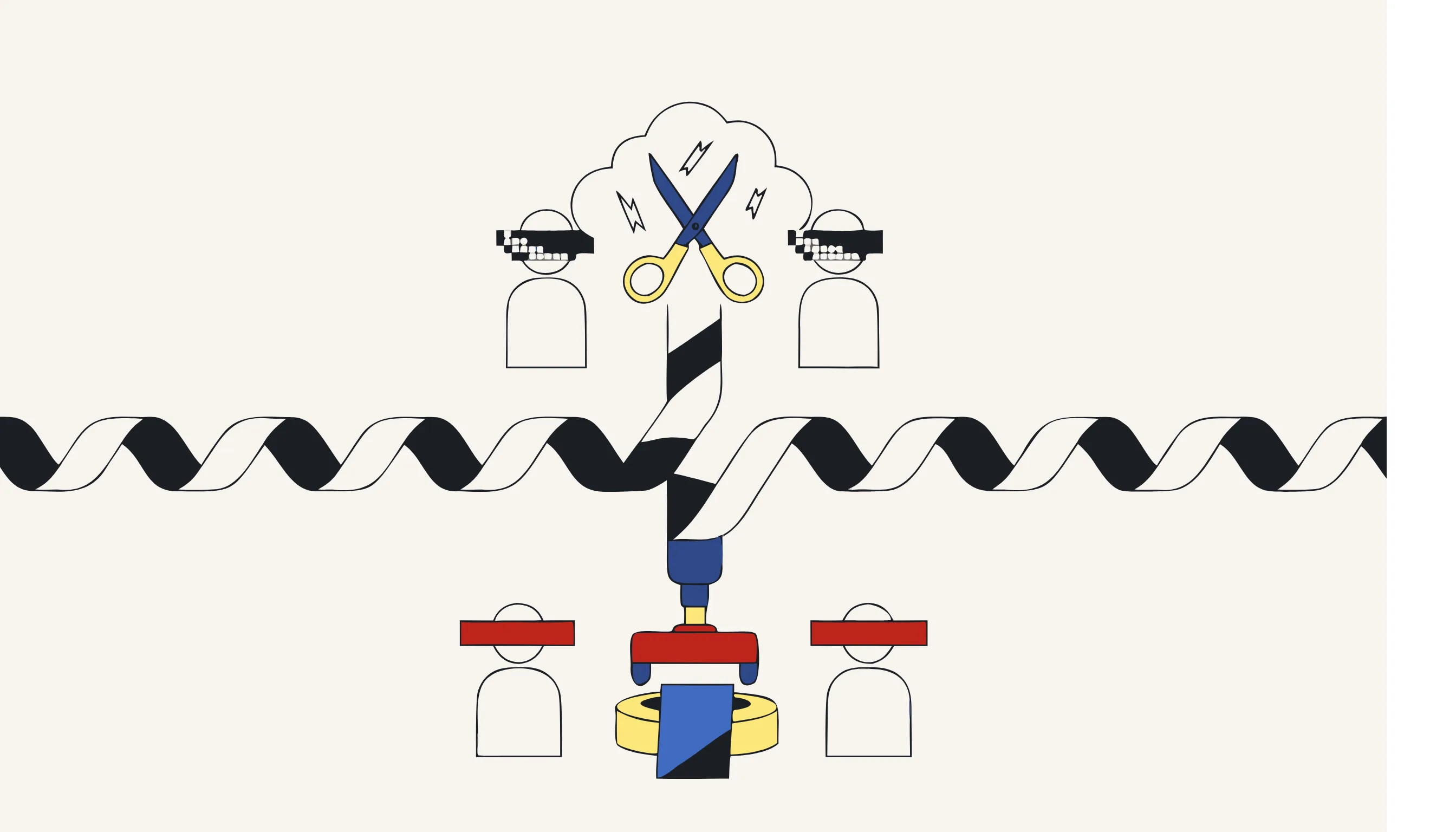
Now you map each sensitive word back to its timestamp and apply the redaction directly to the audio. This is a deterministic operation, typically handled by a tool like ffmpeg:
- Beep: replace the segment with a tone (often 1 kHz). This makes the redaction audible and obvious.
- Silence: replace the segment with silence. Less intrusive, but can look like a dropout.
Because the operation is a direct cut-and-replace on the samples, the original speech in those ranges is gone; there is no hidden layer to peel back.
Beep vs. silence: which to choose
| Method | Best for | Trade-off |
|---|---|---|
| Beep | Legal, compliance, QA: where you must show redaction happened | Slightly more intrusive to listen to |
| Silence | Analytics, training data, podcasts | Can be mistaken for a recording gap |
| Both (beep over silence) | Maximum clarity | Marginally more processing |
For most regulated use cases, a beep is the safer default: it provides a visible (audible) audit trail that something was intentionally removed.
Why AI should locate but not remove
It is tempting to hand the whole file to a model and ask it to "return the anonymized audio." Don't. Generative editing is non-deterministic. Run it twice and you may get two different results, with no guarantee that every identifier was removed.
The reliable pattern separates concerns:
- AI locates (transcription + entity detection): a task models are genuinely good at.
- Deterministic code removes (timestamp → beep/silence): a task that must be exact, testable and repeatable.
This is exactly how Medianonymizer approaches every media type: the model only points at sensitive data; plain code does the destruction. The result is precise, auditable and the same every time.
Is anonymized audio truly irreversible?
Yes, if you redact on the waveform rather than overlaying a visual or metadata marker. Replacing samples with a beep or silence destroys the original signal in those ranges. There is no key, no hidden track and no way to reconstruct the removed speech.
This is the difference between anonymization and pseudonymization. Pseudonymization swaps identifiers for reversible tokens; with the key, the data can be restored. Anonymization removes the data for good, which is what takes a recording out of scope of regulations like the GDPR. If you need the distinction in detail, see anonymization vs. pseudonymization.
Common use cases
- Customer support & sales calls: remove names, card numbers and addresses before analytics or QA. (See redacting PII from call recordings.)
- Research interviews: anonymize interview recordings to protect participant identity while keeping the content analyzable.
- Podcasts & media: bleep out a guest's accidental disclosure before publishing.
- Compliance archives: store recordings with personal data removed to satisfy retention and minimization rules.
A practical checklist
Before you consider an audio file anonymized, confirm:
- Every spoken name, number and address has a corresponding redaction.
- Redactions are applied to the waveform, not as a separate overlay.
- The method (beep or silence) suits your audit needs.
- The original file is deleted or securely retained per your policy.
- The result was reviewed: automated detection plus a human spot-check.
Anonymize your audio now
You don't need to build this pipeline yourself. Upload an audio file, tell the assistant what to remove, and download an anonymized copy where every sensitive moment is beeped or silenced, irreversibly. Working with support or sales calls? Our call-recording PII redaction tool removes PCI card data, names and addresses in a single pass.
Frequently asked questions
You need to locate the sensitive moments first, which usually means transcribing the audio with timestamps. The transcript is only used to find what to redact, the redaction itself (beep or silence) is applied directly to the waveform.